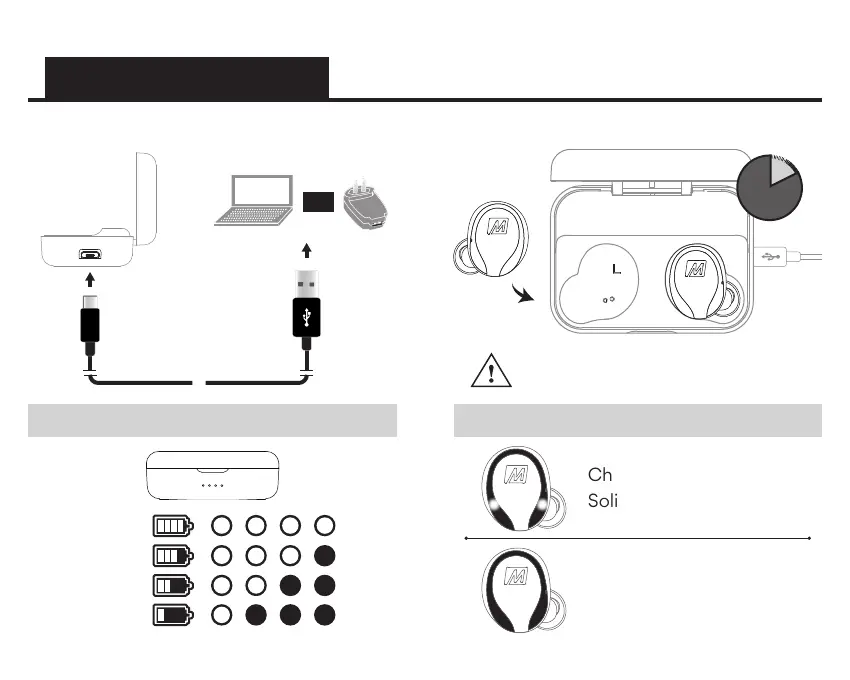
Connect charging case to a USB charger.
STEP 1: CHARGING
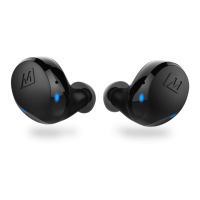
Place both earpieces in case to charge.
Charging:
Solid white lights
Charged:
Lights off
Controls are disabled when
earpieces are inside charging case.
Charging Case Battery Indicator Lights
100%
75%
50%
25%
Earpiece Indicator Lights
2
hrs
OR


 To Next Page