EasyManua.ls Logo

MeLe F10-PRO - Page 2

Default Icon
2 pages
Print Icon
To Previous Page IconTo Previous Page
Loading...
Warranty
Card
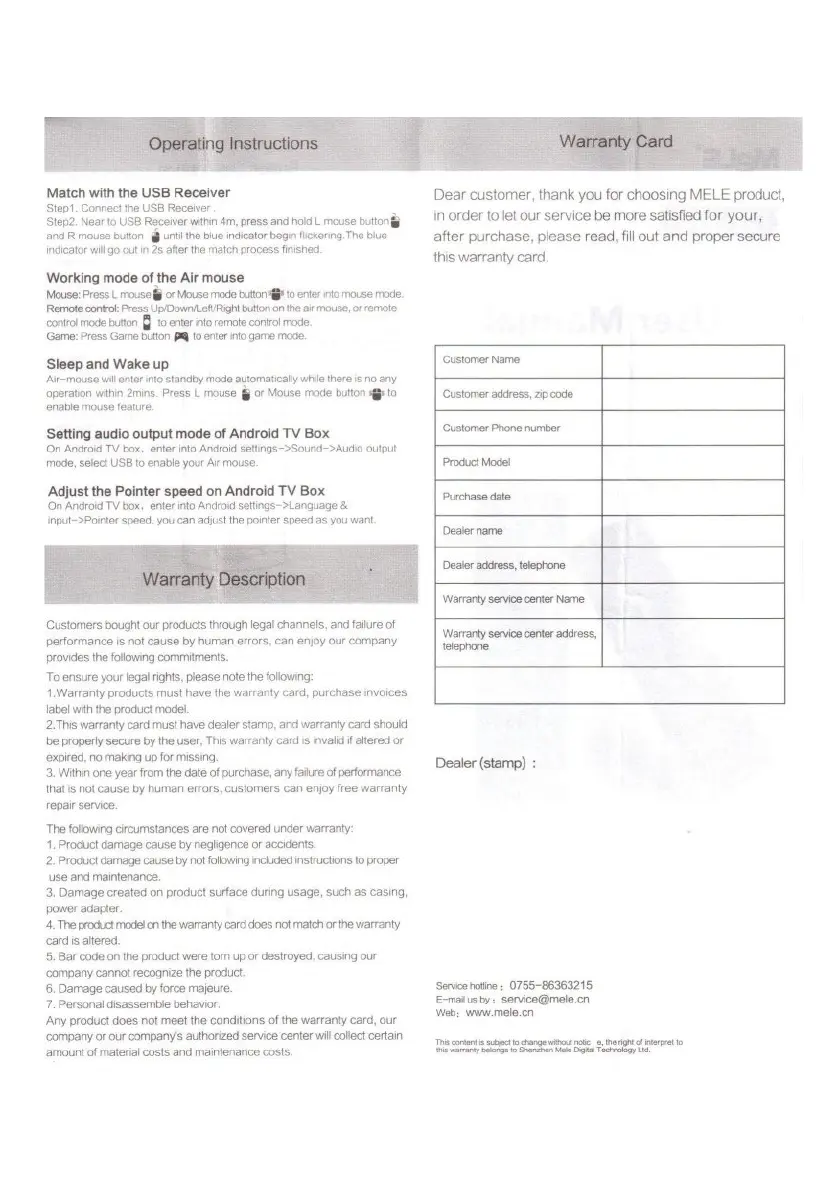
Operating
Instructions
Match
with
the
USB
Receiver
Stepl
.
Connect
the
USB
Receiver
.
Step2.
Near
to
USB
Receiver
within
4m,
press
and
hold
L
mouse
button
j§
and
R
mouse
button
g
until
the
blue
indicator
begin
flickering.The
blue
indicator
will
go
out
in
2s
after
the
match
process
finished.
Working
mode
of
the
Air
mouse
Mouse:
Press
L
mouse
$
or
Mouse
mode
button
to
enter
into
mouse
mode.
Remote
control:
Press
Up/Down/Left/Right
button
on
the
air
mouse,
or
remote
control
mode
button
Q
to
enter
into
remote
control
mode.
Game:
Press
Game
button
to
enter
into
game
mode.
Dear
customer,
thank
you
for
choosing
MELE
product,
in
order
to
let
our
service
be
more
satisfied
for
your,
after
purchase,
please
read,
fill
out
and
proper
secure
this
warranty
card.
Customer
Name
Sleep
and
Wake
up
Air-mouse
will
enter
into
standby
mode
automatically
while
there
is
no
any
operation
within
2mins.
Press
L
mouse
g
or
Mouse
mode
button
to
enable
mouse
feature.
Customer
address,
zip
code
Customer
Phone
number
Setting
audio
output
mode
of
Android
TV
Box
On
Android
TV
box,
enter
into
Android
settings->Sound->Audio
output
mode,
select
USB
to
enable
your
Air
mouse.
Product
Model
Adjust
the
Pointer
speed
on
Android
TV
Box
On
Android
TV
box,
enter
into
Android
settings->Language
&
input->Pointer
speed,
you
can
adjust
the
pointer
speed
as
you
want.
Purchase
date
Dealer
name
Dealer
address,
telephone
Warranty
Description
Warranty
service
center
Name
Customers
bought
our
products
through
legal
channels,
and
failure
of
performance
is
not
cause
by
human
errors,
can
enjoy
our
company
provides
the
following
commitments.
To
ensure
your
legal
rights,
please
note
the
following:
1
.Warranty
products
must
have
the
warranty
card,
purchase
invoices
label
with
the
product
model.
2.This
warranty
card
must
have
dealer
stamp,
and
warranty
card
should
be
properly
secure
by
the
user,
This
warranty
card
is
invalid
if
altered
or
expired,
no
making
up
for
missing.
3.
Within
one
year
from
the
date
of
purchase,
any
failure
of
performance
that
is
not
cause
by
human
errors,
customers
can
enjoy
free
warranty
repair
service.
The
following
circumstances
are
not
covered
under
warranty:
1
.
Product
damage
cause
by
negligence
or
accidents.
2.
Product
damage
cause
by
not
following
included
instructions
to
proper
use
and
maintenance.
3.
Damage
created
on
product
surface
during
usage,
such
as
casing,
power
adapter.
4.
The
product
model
on
the
warranty
card
does
not
match
or
the
warranty
card
is
altered.
5.
Bar
code
on
the
product
were
torn
up
or
destroyed,
causing
our
company
cannot
recognize
the
product.
6.
Damage
caused
by
force
majeure.
7.
Personal
disassemble
behavior.
Any
product
does
not
meet
the
conditions
of
the
warranty
card,
our
company
or
our
company's
authorized
service
center
will
collect
certain
amount
of
material
costs
and
maintenance
costs.
Warranty
service
center
address,
telephone
Dealer
(stamp)
:
Service
hotline
:
0755-8636321
5
E-mail
us
by
:
service@mele.cn
Web:
www.mele.cn
This
content
is
subject
to
change
without
notic
e,
the
right
of
interpret
to
this
warranty
belongs
to
Shenzhen
Mele
Digital
Technology
Ltd.