EasyManua.ls Logo

MeLe PCG03 - Connecting to Display and Audio; Video Output Adjustment; Audio Output Configuration

MeLe PCG03
4 pages
Print Icon
To Previous Page IconTo Previous Page
Loading...
Connect
to
HDTV
/
Monitor
Ff
Connection
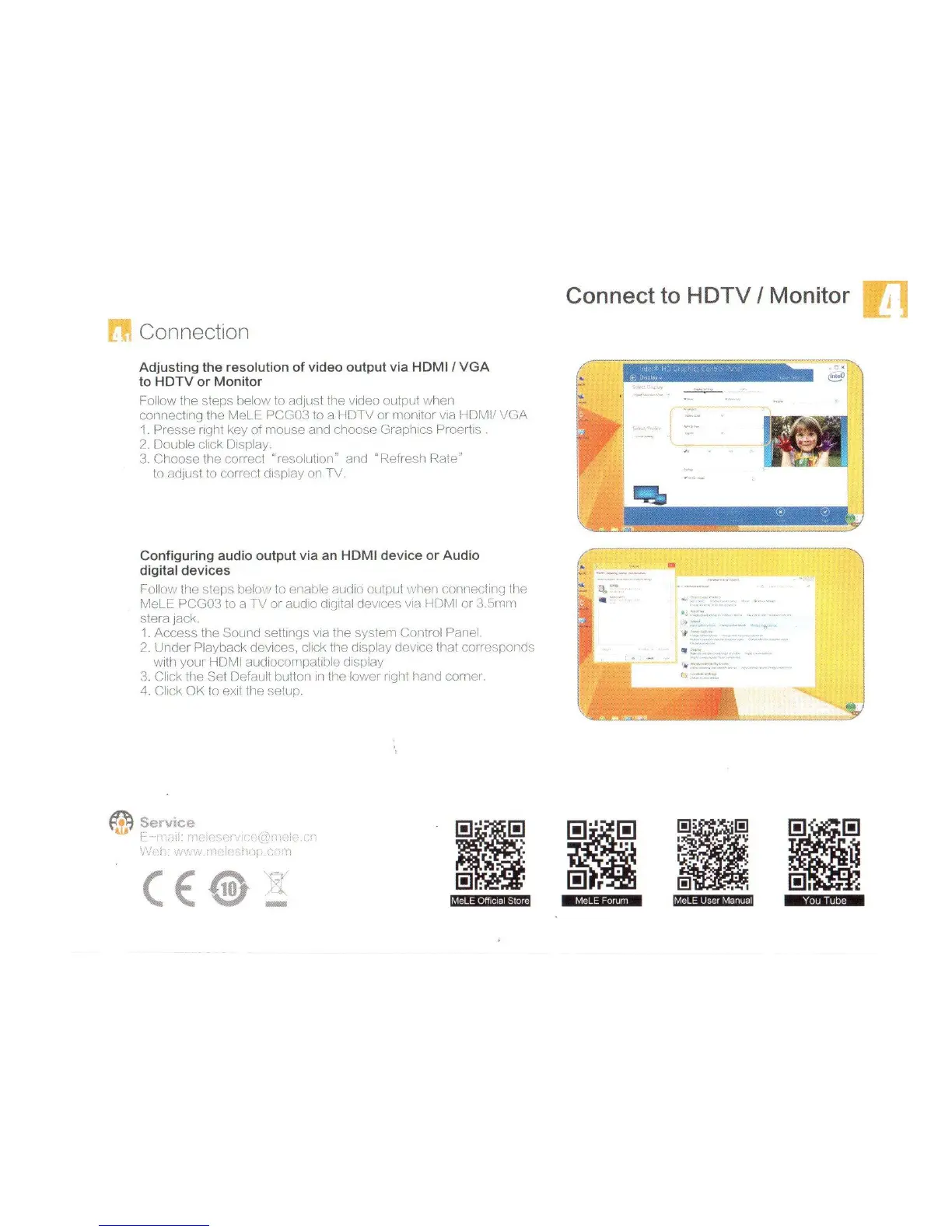
Adjusting
the
resolution
of
video
output
via
HDMI
/
VGA
to
HDTV
or
Monitor
Follow
the
steps
below
to
adjust
the
video
output
when
connecting
the
MeLE
PCG03
to
a
HDTV
or
monitor
via
HDMI/
VGA
1
.
Presse
right
key
of
mouse
and
choose
Graphics
Proertis
.
2.
Double
dick
Display.
3.
Choose
the
correct
“resolution”
and
“Refresh
Rate”
to
adjust
to
correct
display
on
TV.
«s?t
;
;
Configuring
audio
output
via
an
HDMI
device
or
Audio
digital
devices
Follow
the
steps
below
to
enable
audio
output
when
connecting
the
MeLE
PCG03
to
a
TV
or
audio
digital
devices
via
HDMI
or
3.5mm
stera
jack.
1.
Access
the
Sound
settings
via
the
system
Control
Panel.
2.
Under
Playback
devices,
click
the
display
device
that
corresponds
with
your
HDMI
audiocompatible
display
3.
Click
the
Set
Default
button
in
the
lower
right
hand
corner.
4.
Click
OK
to
exit
the
setup.
i'
L_
Service
CZ
KV\
'
\
1
{
0i£&5J0
0
u1
m
1
i
r.
m
Hr
Hr
a
c
LI
You
Tube
MeLE
Fomm
|MeLE
User
Manual]

Related product manuals