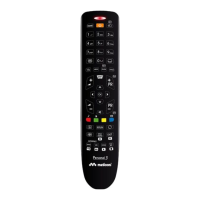
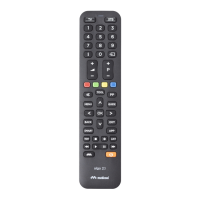
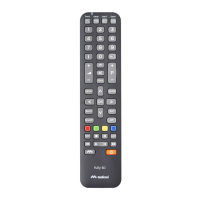
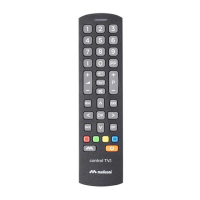
SOURCE
SUBT.
Secondary functions are functions that are used
only occasionally or are of minor signifi cance.
To enable them, keep pressed the SHIFT button
and press the button corresponding to the
desired function, which can be identifi ed by the
drawing.
The remote control requires 2 new 1.5 V AAA/LR03 alkaline batteries. Fit
them as shown.
Try pressing a number and check that the indicator light remains on
continuously until the button is released. If the light blinks, the inserted
batteries are low, therefore they need replacement.
Do not leave exhausted batteries in the remote control.
They may leak, damaging the remote control
For example, to enable the W.LINK function, keep
pressed the SHIFT button and press the SMART
button aiming the remote control toward the TV
set.
For exam
N0000089 Istruzioni PERSONAL 1.indd 7N0000089 Istruzioni PERSONAL 1.indd 7 10/05/16 11:5410/05/16 11:54


 To Next Page
 Loading...