13
Note:
lTo clearly introduce the menu operations , this operation manual provides a description based on operation with
the remote control.
lThe illustrations and on-screen displays in this manual are for explanation purposes(some are enlarged, others
cropped) and may vary slightly from the actual ones.
Menu navigation
With the power on, press the MENU button to display the main menu.
1
Press or button to select menu.65
2
Press button to enter the menu.3or4
3
Within the menu, use or to select, use to adjust or enter sub-menu.65 3or4
4
Press MENU button to return to the previous menu.
Press EXIT button to exit the main menu and return to your program.
5
Basic Operation
(continued)
Navigating the menus
This unit has a simple, easy-to-use menu system that appears on the screen. This system makes it convenient and
fast to use features on the unit. You can also display the status of TV features while watching a program.
PICTURE
P.LOCK
CLOCK
PRESET
EXTRA
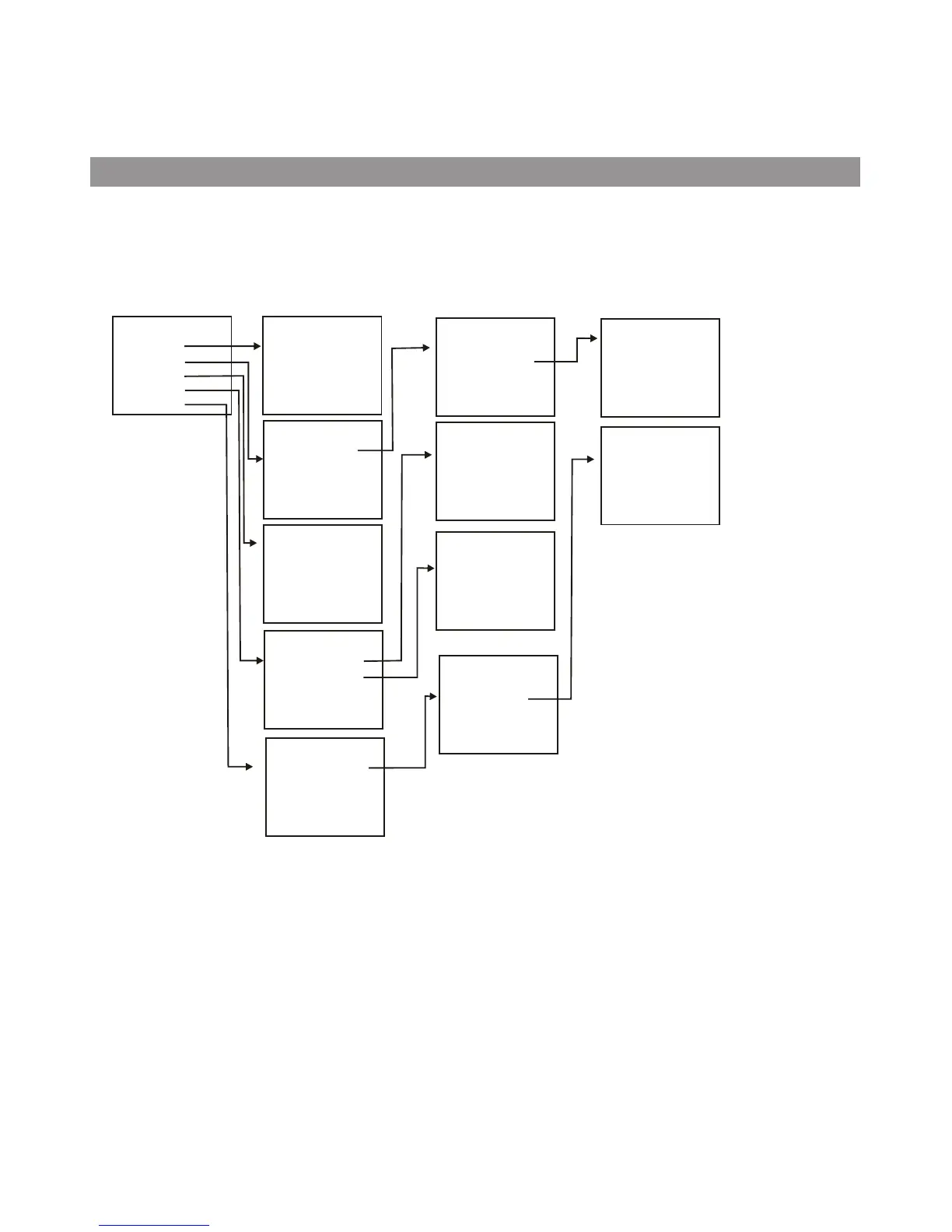
Main Menu Overview (TV Mode)
MAIN MENU
PICTURE
CONTRAST
BRIGHTNESS
COLOR
TINT
SHARPNESS
PARENTAL
LOCK
CHANGE
PASSWORD
P.LOCK
ON
TIMER
CLOCK
DST
AUTO
CLOCK
ZONE
CLOCK
AUTO
PROGRAM
CH
SETUP
PRESET
ANTENNA
STRAT
AUTO PROGRAM
CH
NO
SKIP
LABEL*
DIG
SIGNAL*
CH SETUP
CLOSED
CAPTION
MENU
LANGUAGE
AUDIO
LANGUAGE
EXTRA
CC
DISPLAY
CC
SETTING
CLOSED CAPTION
MPAA
RATING
TV
RATING
CANADA
ENGLISH
CANADA
FRENCH
RATINGS LOCKS
LOCK
RATINGS
LOCKS
PARENTAL LOCK
CC
TYPE
CC
MODE*
CC
CUSTOMER*
CC SETTING
Note:
! Items marked with * do not appear in all modes.
! Some menu items are grayed out and are not selectable.



 To Next Page