22
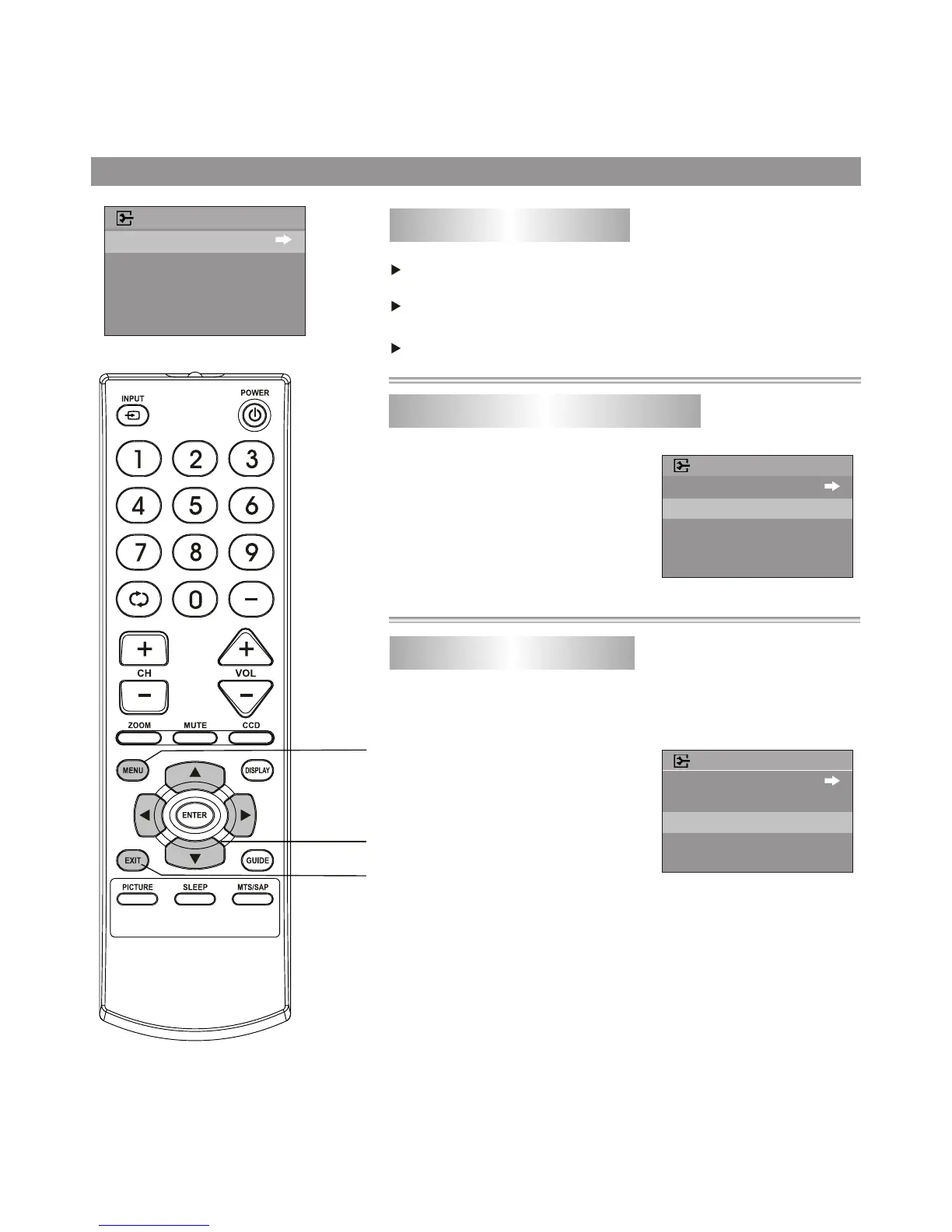
Enter the EXTRA menu, press
5 or 6 button to select MENU
LANGUAGE item.
Press 3 or 4 button to select
a proper OSD MENU language.
1
2
Selecting the OSD menu language
System Setting
To enter the EXTRA menu
Press 5 or 6 button to select EXTRA item.
Press MENU button.
Press 3 or 4 button to enter EXTRA menu.
In EXTRA menu, press 5 or 6
button to select AUDIO
LANGUAGE item.
Press 3 or 4 button to select a
proper AUDIO language.
1
2
Selecting AUDIO language (only in DTV mode)
CLOSED CAPTION
MENU LANGUAGE
AUDIO LANGUAGE
EXTRA
ENGLISH
ENGLISH
CLOSED CAPTION
MENU LANGUAGE
AUDIO LANGUAGE
EXTRA
ENGLISH
ENGLISH
CLOSED CAPTION
MENU LANGUAGE
AUDIO LANGUAGE
EXTRA
ENGLISH
ENGLISH
DTV can simultaneously transmit many audio tracks (for example,
simultaneously translations of the program into foreign languages
). The availability of these optional audio tracks depends upon the
program.
Menu navigation
button
MENU
Exit the menu



 To Next Page