Occupancy: Press DSP again to change the occupancy mode to optimize
sound for ALL SEATS, DRIVERS SEAT or REAR SEATS. Press SEL to
scroll through settings.
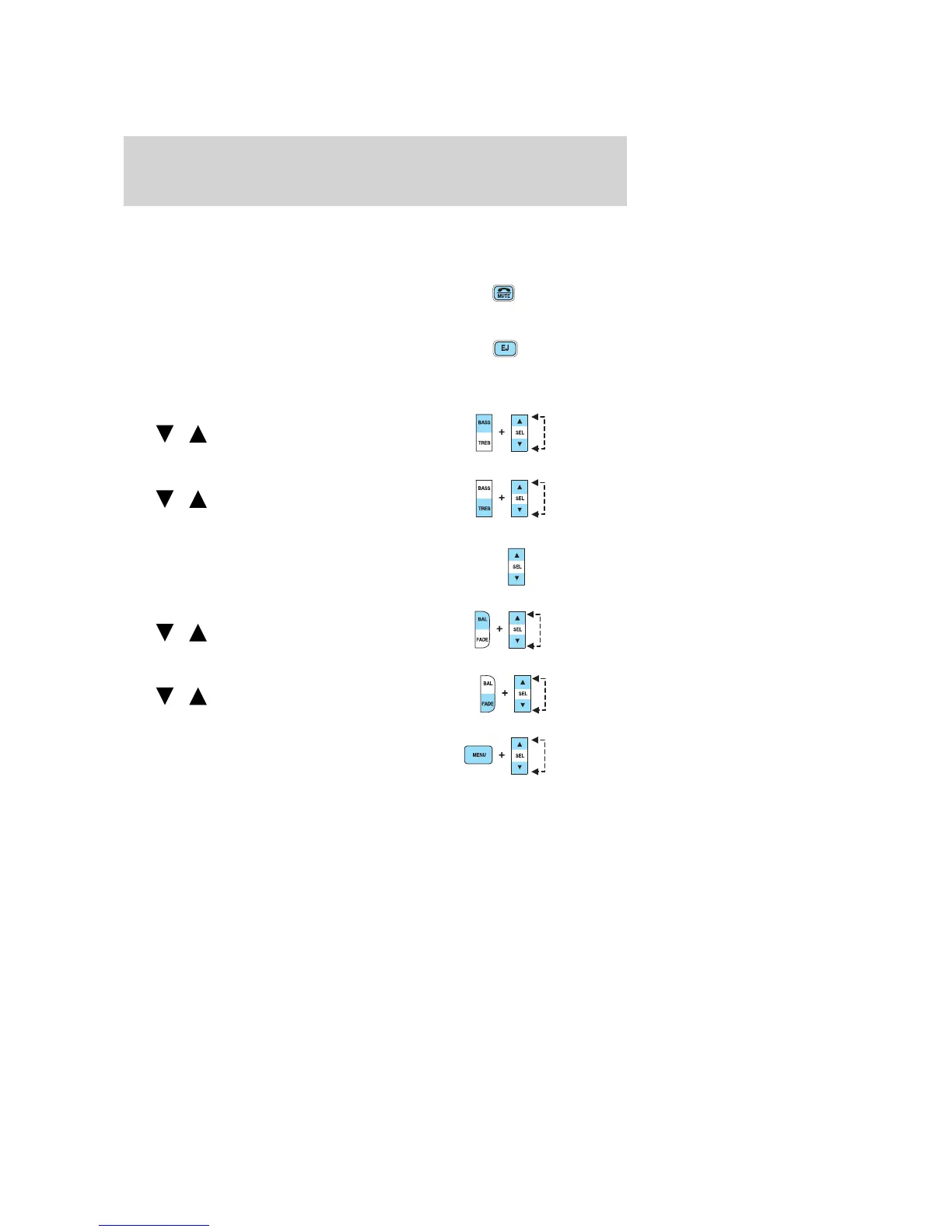
4. Mute: Press to MUTE playing
media; press again to return to
playing media.
5. Eject: Press to eject a CD. Press
EJ and a memory preset to eject a
specific disk. Press and hold to eject
all loaded discs.
6. Bass: Press BASS; then press
SEL
/ to decrease/increase
the bass output.
Treble: Press TREB; then press
SEL
/ to decrease/increase
the treble output.
7. Select: Use with Bass, Treble,
Balance, Fade and other menu
selections.
8. Balance: Press BAL; then press
SEL
/ to shift sound to the
left/right speakers.
Fade: Press FADE; then press
SEL
/ to shift sound to the
rear/front speakers.
9. Menu: Press MENU to access
clock mode, RDS on/off, Traffic
announcement mode, Program type
mode, Shuffle and Compression
mode.
The Federal Communications Commission (FCC) and the Canadian Radio
and Telecommunications Commission (CRTC) recommend that FM radio
broadcasters use RDS technology to transmit information. FM radio
stations are independently operated and individually elect to use RDS
technology to transmit station ID and program type as desired.
2005 Mountaineer (mnt)
Owners Guide (post-2002-fmt)
USA (fus)
Entertainment Systems
22


 To Next Page
 Loading...