iPadOS to the latest version
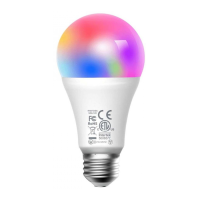
before pairing with the bulb.
(4) Launch the Meross app, and
log in to your account, or if you
are a new user, tap Sign up to
create a new account.
(5) Tap the "+" icon to select the
type of smart device you want
to add, then you can just
follow the setup wizard to
finish configuration.
Note:
1. As ong as you finish configuration,
you' also be able to manage the
device in Apple Home app.
2. Should you have any question, please
visit https://www.meross.com/support/.


 To Next Page