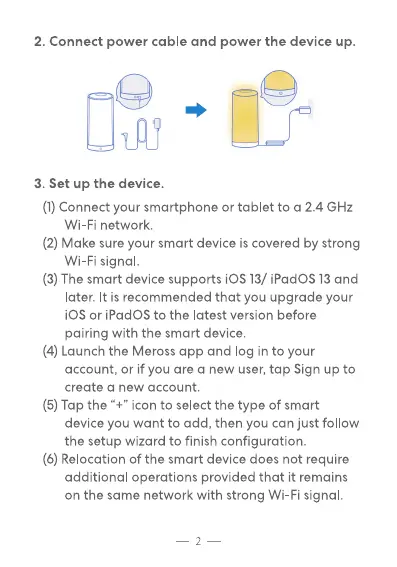
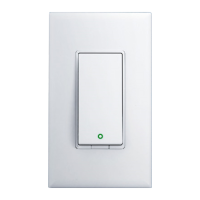
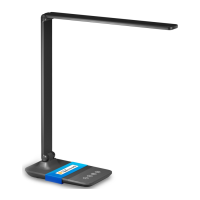
2. Connect power cable and power the device up.
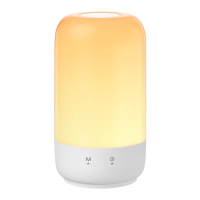
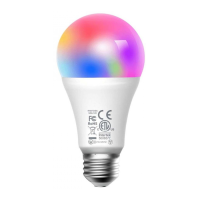
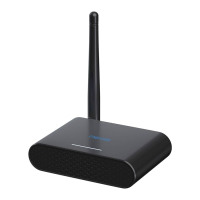
3. Set up the device.
(1) Connect your smartphone or tablet to a 2.4 GHz
Wi-Fi network.
(2) Make sure your smart device is covered by strong
Wi-Fi signal.
(3) The smart device supports iOS 13/ iPadOS 13 and
later. It is recommended that you upgrade your
iOS or iPadOS to the latest version before
pairing with the smart device.
(4) Launch the Meross app and log in to your
account, or if you are a new user, tap Sign up to
create a new account.
(5) Tap the "4" icon to select the type of smart
device you want to add, then you can just follow
the setup wizard to finish configuration.
(6) Relocation of the smart device does not require
additional operations provided that it remains
on the same network with strong Wi-Fi signal.


 To Next Page