• LED and Button Rules
(J)
(5)
e)
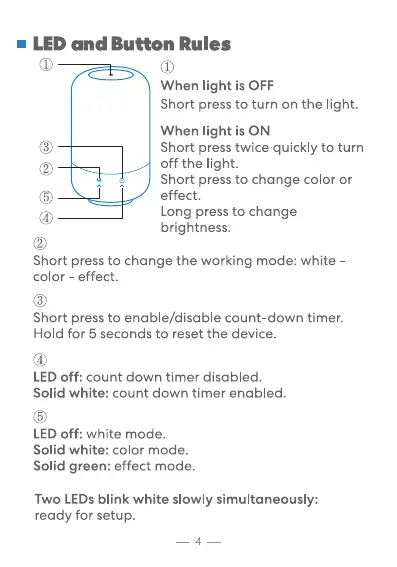
When light is OFF
Short press to turn on the light.
When light is ON
Short press twice quickly to turn
off the light.
Short press to change color or
effect.
Long press to change
brightness.
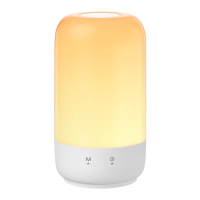
Short press to change the working mode: white
color - effect.
Short press to enable/disable count-down timer.
Hold for 5 seconds to reset the device.
(4)
LED off: count down timer disabled.
Solid white: count down timer enabled.
LED off: white mode.
Solid white: color mode.
Solid green: effect mode.
Two LEDs blink white slowly simultaneously:
ready for setup.
4


 To Next Page