- Check if your home Wi-Fi is working properly.
- Make sure that you have disabled access control
in your router and that the smart device is not
blocked by the router's firmware.
- Factory reset your smart device and try to add it
again.
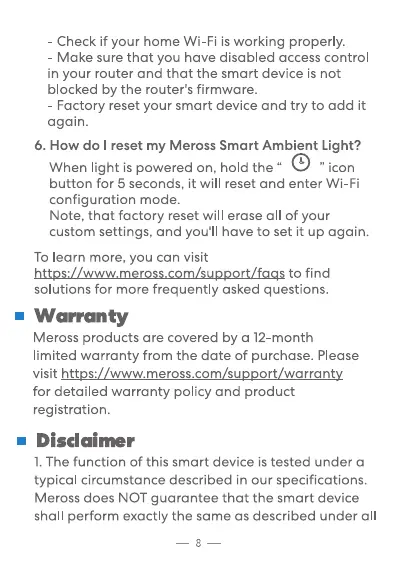
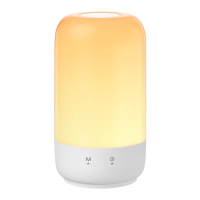
6. How do I reset my Meross Smart Ambient Light?
When light is powered on, hold the "
" icon
button for 5 seconds, it will reset and enter Wi-Fi
configuration mode.
Note, that factory reset will erase all Of your
custom settings, and you'll have to set it up again.
To learn more, you can visit
httpsU_L_=e_rossso_ZsupportL__qgs to find
solutions for more frequently asked questions.
• Warranty
Meross products are covered by a 12-month
limited warranty from the date of purchase. Please
visit https://www.meross.com/support/warranty
for detailed warranty policy and product
registration.
• Disdaimer
1. The function of this smart device is tested under a
typical circumstance described in our specifications.
Meross does NOT guarantee that the smart device
shall perform exactly the same as described under all
8


 To Next Page