4/8CH PoE NVR
Quick Start Guide
Packing
The package contains the following items:
-Network video recorder x 1 -IR remote control x 1 (optional)
-Quick Install Paper x 1 -Power cord x 2
-Alarm terminal block x 2 -SATA connection cable x 2
-Hard drive mounting bracket x 4 pcs -Screws for mounting bracket x 10 pcs
-Screws for mounting hard drive x 10 pcs
-Power adapter x2 (DC12V 5A for NVR, DC48V 1.25A for PoE)
Installation and connections
Hard drive Installation:
Follow the steps to install or replace the hard disk,
Step1. Take out the screws on the back panel of the unit.
Step2. Slide opens the top cover.
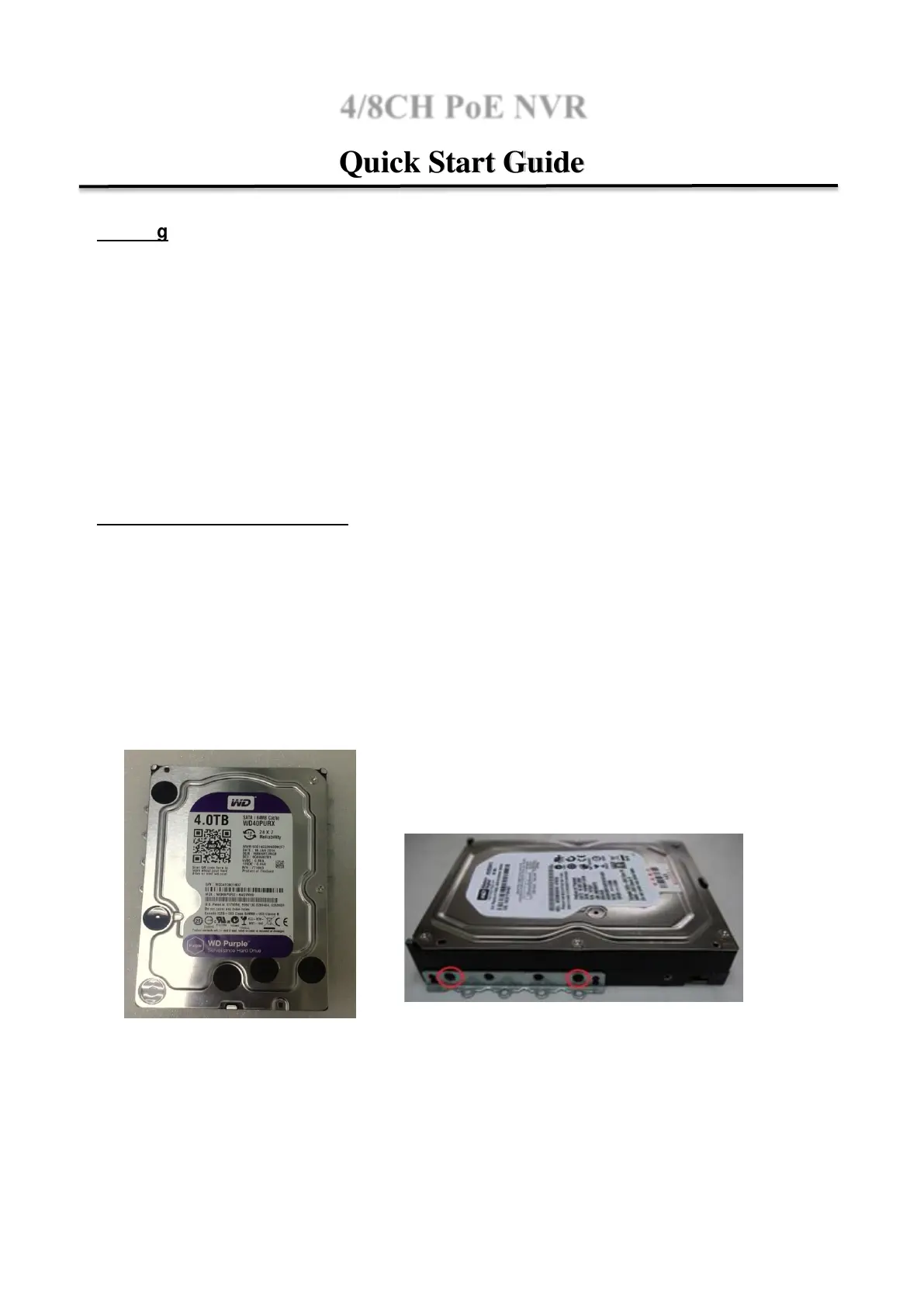
Step3. Use the HDD mounting screws attached in the accessory pack to fix the mounting brackets
to the both sides of hard drive


 To Next Page
 Loading...