4
Not for Everyone — Children and Pre-existing Conditions
Not All Children are Ready for Meta Quest
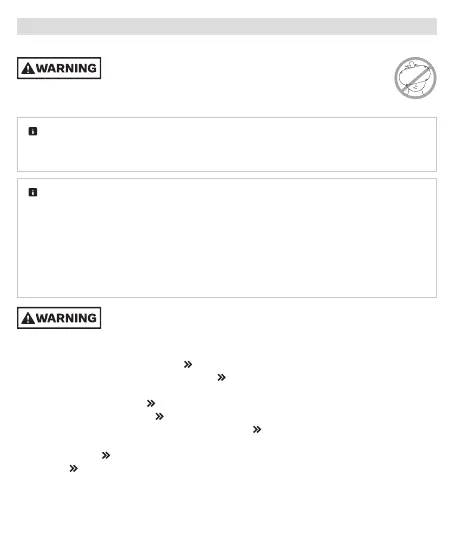
Not recommended for use by younger or smaller-sized children
or if the headset cannot be adjusted to fit properly. Not a toy.
Injuries and negative effects, including muscle or eye strain, may result from
children’s use. Keep away from children that you determine should not use Meta Quest.
Minimum Age for Accounts. Use of Meta Quest requires an account and is subject to
requirements that include a minimum age of 10 (requirements may vary by country).
See meta.com/quest/terms and the parent’s info page at meta.com/quest/parentinfo.
Children, especially younger and smaller-sized ones. Parents should carefully consider
whether their child is ready for Meta Quest. Children’s bodies tend to be less developed, so
their eyes, necks, backs and strength may not allow them to use your Meta Quest
comfortably or safely. They may not have sufficient strength or the headset may not fit. This
is particularly true for younger or smaller-sized children. They may also have more intense
reactions to virtual content and may have a more difficult time distinguishing virtual content
from the physical world, even after they stop use. They may not read or understand warnings
and instructions, or not mention blurry vision, soreness or other symptoms or discomfort.
Children’s use of Meta Quest should always be supervised by an adult
to reduce likelihood of injury or property damage.
• Adults should always help children:
• Read, understand and follow warnings and instructions,
• Ensure proper fit and visual clarity ( Getting the Right Fit),
• Select appropriate activity spaces for use ( Choosing and Setting Up Your Safe
Activity Space),
• Set up virtual boundaries ( Choosing and Setting Up Your Safe Activity Space),
• Select appropriate content ( App and Content Selection),
• Take appropriate breaks and set time limits for use ( Session Length and Breaks).
• Adults should monitor children during and after use for any of the symptoms described in
these warnings ( Discomfort and Other Physical Symptoms).
The section Guidance and Limitations on Children’s Use has more important guidance.



 To Next Page
 Loading...