6
DO NOT USE WHEN IMPAIRED. Do not use the headset when you are
impaired as it may increase your susceptibility to adverse symptoms and
negatively affect your motion and balance. Impairments you should avoid when deciding to use
the headset include:
• Influence of alcohol or drugs;
• Hangover or upset stomach;
• Fatigue, exhaustion or sleeplessness;
• Emotional stress or anxiety or
• Infectious disease, headache, migraine, or earache.
Getting the Right Fit
Headset Adjustment
To reduce risk of discomfort—including pressure, redness, irritation, chafing, nausea, strain or
other symptoms—the headset should be appropriately fitted to each user.
• Adjust headstraps to ensure comfortable headset placement.
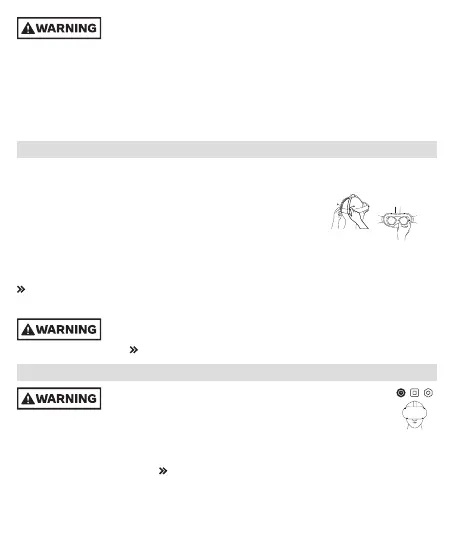
• Adjust the distance between the lenses for each user by moving the
eye cups directly to a position that provides the clearest image.
• When properly adjusted, the headset should fit comfortably, and you should see a single, clear
image. Re-check fit before resuming use to reduce risk of discomfort from any unintended
changes to the headstraps or lens positions.
Discomfort and Other Physical Symptoms
Controller Adjustment
Install and use wrist straps or other authorized restraints with controllers
and accessories to secure them to your wrist during use so they do not
become loose projectiles. Meta Quest Care and Handling
App and Content Selection
Choose your app and content carefully because virtual content
can seem very realistic. Users may react to frightening, violent,
disorienting, or anxiety-provoking content as if it were happening in the physical world.
• If you are new to virtual content or have experienced discomfort when trying it before,
start with Content and Comfort ratings generally appropriate for all users to see if an experience
is right for you. For example, try content that’s rated Comfortable before trying content rated
Moderate, Intense, or Unrated. Content and Comfort Ratings



 To Next Page
 Loading...