11
• Your headset limits your field of view. Use care
in moving as you may not perceive something
at your side.
• Remove your headset for unobstructed vision
in any physical-world situation that requires
attention or coordination.
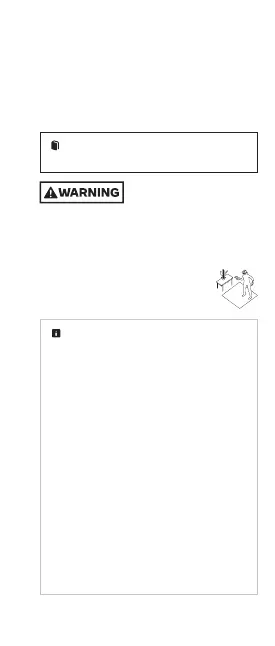
Choosing and Setting up Your Safe
Activity Space
The
activity space
is the area you choose
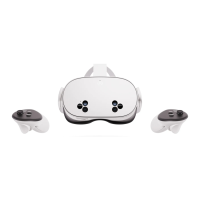
to use your MetaQuest.
Always be aware of your
physical surroundings and
potential hazards. Serious injury and property
damage may occur if you hit objects, walls
(or other structural elements), people or
pets or if you trip or fall. Use caution to
avoid injury. Stop using your Meta Quest
or check your surroundings using
Passthrough if you are unsure whether
your surroundings are safe.
Navigation safety features help you
orient yourself in the physical world while
using your Meta Quest. These features and
your Meta Quest work best in a well-lit space
with walls and surroundings that create
different patterns for your Meta Quest’s
sensors to track your movement.
•
Passthrough
is a feature on your
Meta Quest that uses a sensor to display
your surroundings on your Meta Quest
screen. The Passthrough feature helps you
stay inside your activity space, maintain
your virtual boundaries, and helps you
navigate your physical activity space if you
don’t have virtual boundaries set up or if
you go outside them.
•
Virtual boundaries
help you stay in your
activity space to avoid collisions with
objects in the physical world while you are
in your virtual environment.



 To Next Page