Initial Setup
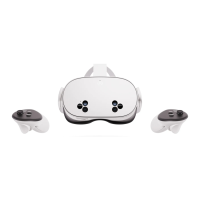
To t ur n o n y our h e ads e t : "
1. Press and hold the power button on the left-hand side of the headset for 3 secs or until you hear
a chime sound and see the Meta symbol appear in your headset."
2. Get ahold of your controllers by pressing to turn the left one and for the right one.
You will then be guided through an in-VR tutorial (incl. language, wifi, headset positioning)
Set-up your headset and controllers
4
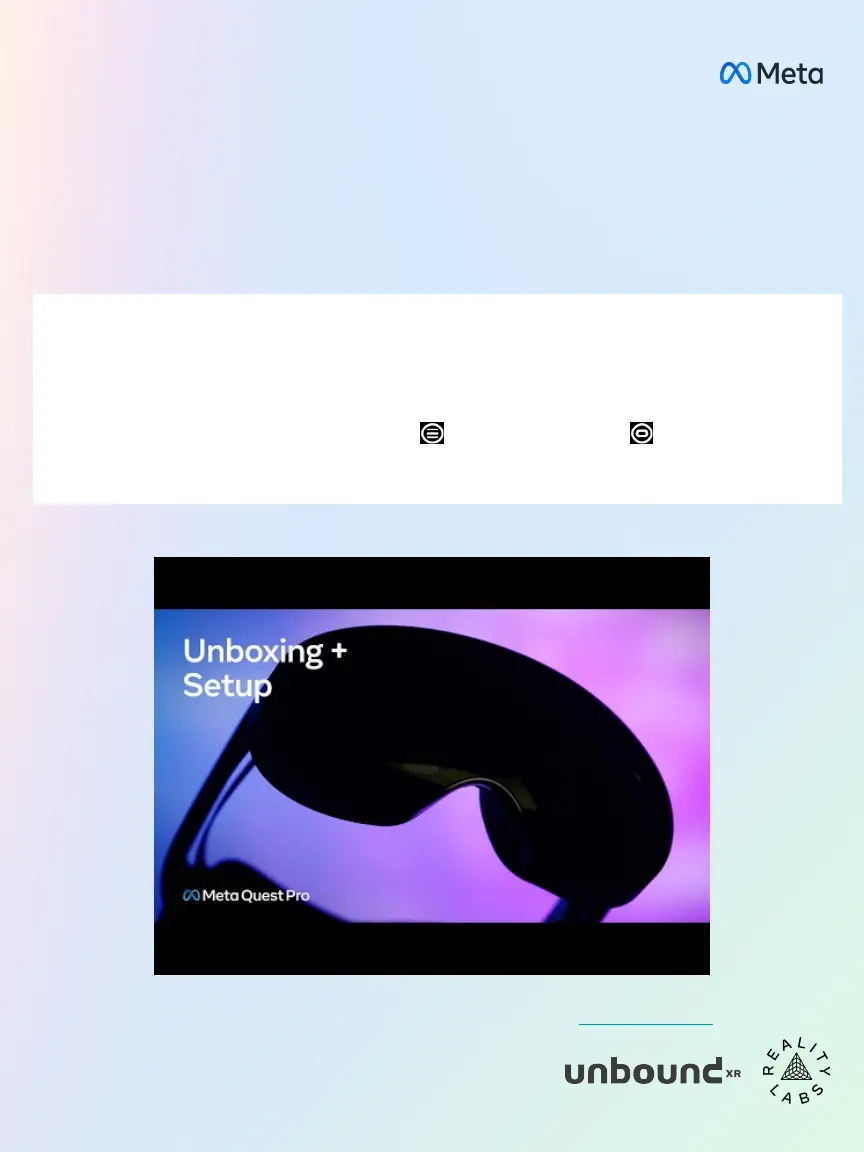
When you take your Meta Quest Pro out of the box, it should already be
charged and ready for setup.
If you require more help, on top of the in-VR tutorial, you can check out our online tutorial anytime.



 To Next Page