EasyManua.ls Logo

Metek Tono-Pen AVIA - User Manual

Metek Tono-Pen AVIA
32 pages
Print Icon
To Next Page IconTo Next Page
Loading...
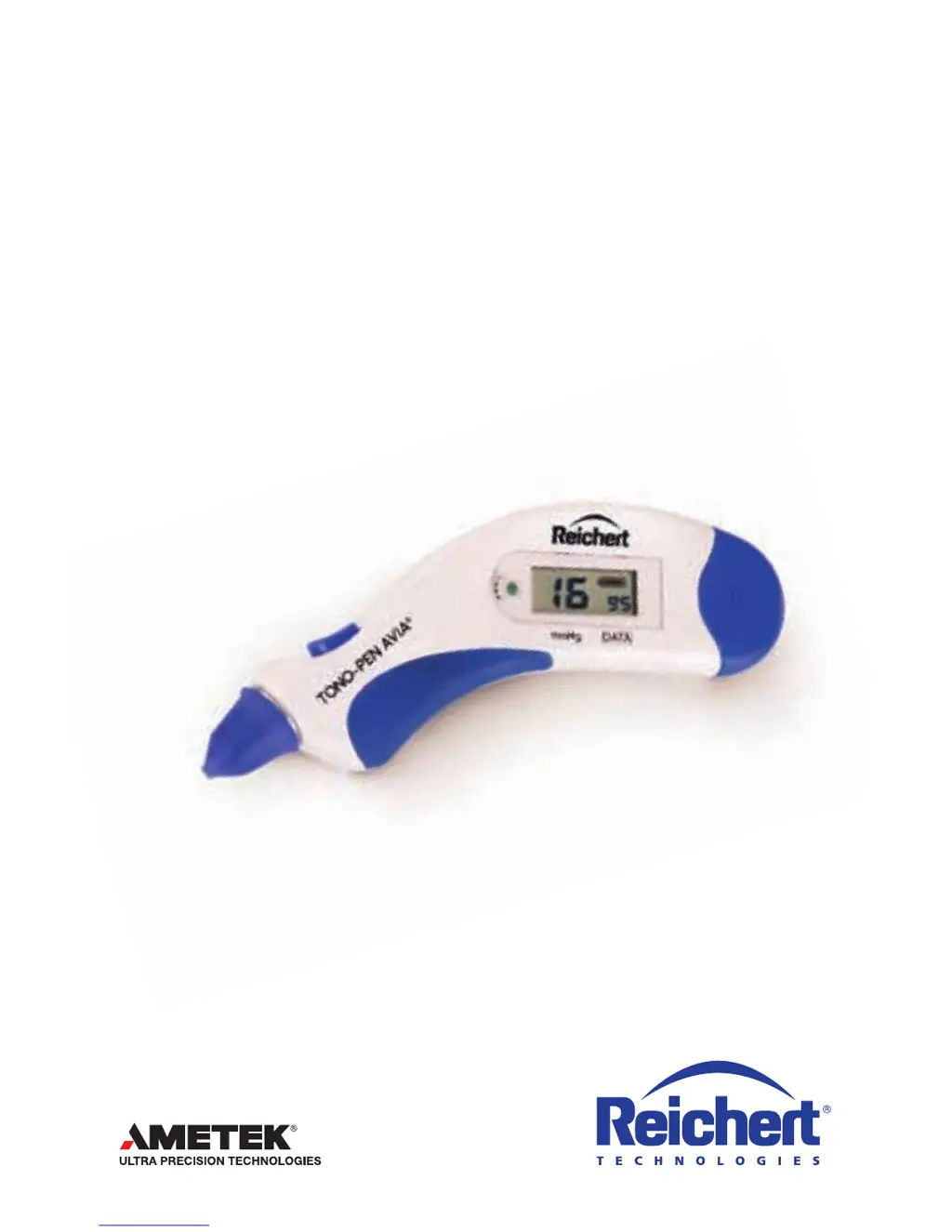
Tono-Pen AVIA
®
Tonometer
Users Guide

Questions and Answers

  • D
    Donna HubbardAug 3, 2025
    What to do if Metek Tono-Pen AVIA give multiple inaccurate readings?
    • A
      Alex TaylorAug 3, 2025
      Multiple inaccurate readings from Metek Measuring Instruments can stem from several factors. It could be due to improper technique, such as applying too much or too little force, holding the device incorrectly relative to the patient's eye, or using taps that are too long. Review the "APPLANATION" Section of this manual for guidance. The issue might also arise from using an old or incorrectly applied Ocu-Film + tip cover, or a non-Reichert tip cover, in which case you should replace the Ocu-Film tip cover. Debris in the tip can also cause inaccurate readings, so ensure you clean the tip. Finally, mechanical or electronic damage could be the culprit, requiring you to arrange for service through Reichert Technical Service Group.
  • K
    Kaitlin AguilarAug 11, 2025
    What to do if Metek Tono-Pen AVIA have no beeps and/ or no dashes upon activation?
    • J
      Jeremy PerkinsAug 11, 2025
      If your Metek Measuring Instruments aren't beeping or showing dashes upon activation, several things could be happening. First, make sure you're pressing the activation button correctly. If that's not the issue, the Tono-Pen AVIA POWERCEL Battery might be depleted, so try replacing it. If neither of those solves the problem, there could be mechanical or electronic damage, and you should arrange for service through Reichert Technical Service Group.
  • H
    Helen MillerAug 18, 2025
    How to fix a flashing battery symbol on Metek Measuring Instruments?
    • B
      bradymarkAug 18, 2025
      A flashing battery symbol on Metek Measuring Instruments indicates low Tono-Pen AVIA POWERCEL Battery capacity. Replace the Tono-Pen AVIA POWERCEL Battery to resolve this issue.
  • J
    Jay MartinezAug 25, 2025
    Why do Metek Measuring Instruments show a verification failure?
    • A
      Andrew GreenAug 26, 2025
      A verification failure in Metek Measuring Instruments can occur due to a couple of reasons. First, check for debris in the tip and clean it. Alternatively, if you've used compressed air for cleaning, the instrument's temperature might have dropped. Allow the Tono-Pen AVIA tonometer unit to warm to room temperature to resolve this.

Summary

Tono-Pen AVIA Tonometer Help Line

Warnings and Cautions

Symbols

Introduction

Indications for Use

Measures intraocular pressure for suspected glaucoma or increased intraocular pressure.

Contraindications

Lists any conditions or situations where the tonometer should not be used.

Device Description

Features

Easy to use, portable, accurate, and versatile for various clinical settings.

Parts Identification

Accessories

Lists available accessories for the Tono-Pen AVIA tonometer, such as batteries and tip covers.

Instruction for Use

Tono-Pen AVIA Tonometer Modes

Details the different operating modes of the tonometer: Power Up, Applanation, Verification, and Sleep.

Tono-Pen AVIA Tonometer Verification

Procedure to ensure the transducer assembly and electronics are performing correctly.

Tono-Pen AVIA Tonometer Tones

Explains the different tones generated by the tonometer and their meanings.

Battery Installation and Replacement

Instructions for installing and replacing the Tono-Pen AVIA POWERCEL Battery.

Liquid Crystal Display - User Interface

Explains the sequence of events and error codes displayed on the tonometer's LCD.

Tono-Pen AVIA Tonometer Preparation

Steps to prepare the tonometer for use, including thermal stabilization and tip cover application.

Performing IOP Measurements

Step-by-step guide on how to perform intraocular pressure measurements using the tonometer.

Applanation

Details the applanation process, including button presses, taps, and display indicators.

Interpreting the IOP Measurement

Explains how to interpret the IOP measurement and statistical confidence indicator on the LCD.

Cleaning & Maintenance

Cleaning Instructions

Instructions for cleaning the tonometer tip and maintaining the instrument.

Battery

Information on when and how to replace the tonometer battery.

Storage

Guidelines for storing the tonometer and its accessories to prevent damage.

Disposal

Instructions for the proper disposal of the tonometer and related components.

Troubleshooting

Specifications

Guidance & Manufacturers Declaration

Electromagnetic Emissions

Details the electromagnetic emissions compliance of the tonometer.

Electromagnetic Immunity

Provides information on the tonometer's immunity to electromagnetic interference.

Device Regulatory Classification

Classifies the device based on insulation, ingress protection, applied part type, and operation mode.

Warranty

Patent Warranty

Details Reichert's warranty against patent infringement claims.

Product Changes

States Reichert's right to make design changes to products.

Metek Tono-Pen AVIA Specifications

General IconGeneral
CategoryTonometer
Measurement PrincipleApplanation tonometry
Accuracy±2 mmHg
DisplayLCD
Weight71 grams (2.5 ounces)
Probe TypeDisposable covers
Operating Temperature10°C to 40°C
Storage Temperature-20°C to 60°C
Relative Humidity10% to 90% non-condensing

Related product manuals