1 = Calibration
2 = Conguration
3 = Diagnostics
4 = Special functions
1 = Current output
2 = User settings
3 = Device info
4 = Set clock
5 = Address
1
Basic Settings:
A - Collect lab. sample
Calibrating:
1 = Calibration
2 = Conguration
3 = Diagnostics
4 = Special functions
Main Menu
Calibration Menu
1
Calibration Menu
- Sample taking
- Waiting for sampling
- Sample = start sampling
- Collect samples for lab.
evaluation
- Sample = stop sampling
- Stores average values
during sampling
- Exit sampling result:
Calibration Menu
- Enter lab
- Enter lab. value
-
Edit
Save
to change value
- To save:
Edit
Save
If pulp contains llers:
- Enter amount of ller as a
percentage of total cons.
- Also enter the proportional
amount of each ller type
For chemical compensation:
- Enter conductivity of lab.
sample to calibrate MCA
conductivity measurement
Sample
B - Enter lab. values to sensor
Documentation:
- Always document all basic settings, calibration data and
compensations/adjustments that have been entered to the
transmitter.
MCA FT 200 QT-1234
Cs = 3.12 %
T = 56.7 C
Status = OK
1 = Calibration
2 = Conguration
3 = Diagnostics
4 = Special functions
Measurement display
Main Menu
Main Menu
Conguration Menu
- Set 4mA & 20mA output
signal limits
- Set ltering time
-
Edit
Save
to change value, move
to next value with
- To save:
Edit
Save
,
Set position (tag no.)
Set date and time:
-
Edit
Save
to change value, move
to next value with
- To save:
Edit
Save
,
Change HART address
if other than 0
Lo Cs (4mA) = 0.00 %
Hi Cs (20mA) = 10.00 %
Filtering = 1 s
Fault sig = 3.7 mA
Trend Int: 10 MIN
Position: POS-1234
Language: ENGLISH
Temp unit: DEG C
Password: N
Act siglev: ON
Address = 0
Date 20.12.11
Time 19:17:24
Enter to accept...
5
jkl
4
ghi
1 = Sample taking
2 = Enter lab
3 = Oset correction
4 = Filler
1
1 = Sample taking
2 = Enter lab
3 = Oset correction
4 = Filler
Press sample key to
start sampling
CS = 0.00 %
Status: WAITING
Press sample key to
stop sampling
CS = 3.37 %
Status: SAMPLING
Sample
Sampling ready
Average Cs = 3.34 %
Min: 3.30 Max: 3.38
T = 55.3 C
1 = Sample taking
2 = Enter lab
3 = Oset correction
4 = Filler
20.12.11 14:35
MCA = 0.00 %Cs
Lab = 0.00 %Cs
Filler = 0.00 %
Kaolin = 0.0 %
CaCO3 = 0.0 %
Talc = 0.0 %
TiO2 = 0.0 %
Chem = 0.0 %
MCA con = 0.0 %
Lab con = 0.0 %
Filler sens. = 0.0 %
Oset adjustment:
Calibration Menu
- Oset correction
-
Edit
Save
to change value
- To save:
Edit
Save
,
- Oset = Lab. – MCA
1 = Sample taking
2 = Enter lab
3 = Oset correction
4 = Filler
Oset = 0.00 %
Cum.oset = 0.00 %
3
def
Compensations / adjustments:
Special functions menu
1 = Chemical comp
2 = Temperature comp
3 = Sensitivity corr
4 = Recipes
- Chemical compensation
Compensates for conductivity variations in the pulp suspension
- Temperature compensation
Included from factory, but can be ne tuned if necessary
- Sensitivity correction
Set for wood bers, can be tuned for other materials
- Recipes
If one calibration cannot cover the entire consistency span, up to
4 recipes can be used
For more detailed information refer to Metso MCA manuals!
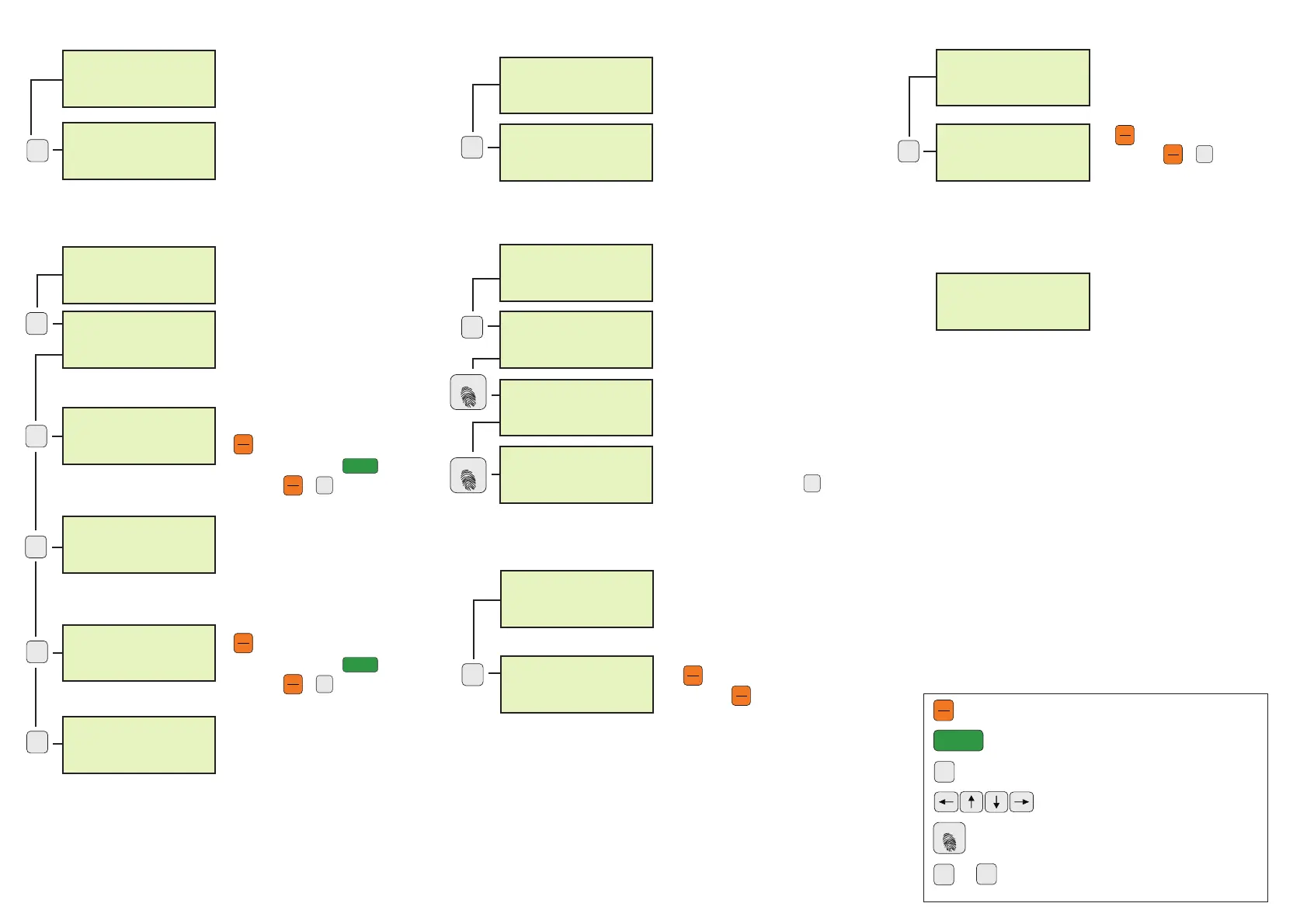
General:
Edit
Save
Sample
...
9
wxyz
Start editing, change values, save changes
Move to next value, scroll function
Move up in menu structure
Scroll in display, change values
Store values for calibration
Select menus, edit values


 To Previous Page
 Loading...