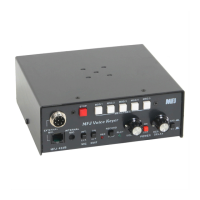
MFJ-434B Instruction Manual Voice Keyer
9
C. Off-Air or External Audio Source: Set Mic switch to Int and plug a line level audio
source into the Audio In jack on the rear panel. Installing a plug in the Audio In jack
disables the electret mic. Line level sources should not exceed 0-dBm.
4. Select A Message Slot: Choose from MSG1-MSG5 on the front panel. Press your selection
and watch the Rec LED (it should flash within about two seconds). The first flash indicates
recording has begun. To avoid recording "dead air", begin speaking the moment the red Rec
LED starts flashing.
5. Record Your Message: The voice memory IC will record for as long as the memory button
is held in, but no longer than the memory's capacity. The Rec LED will begin flashing
rapidly to notify you when the memory time in each message block is nearly expired. To
conserve memory and prevent accidental over writing, release the memory button
immediately after your last word.
Message Memories
The MSG storage space is actually one continuous block of memory with start cues inserted at 5
points along its span. These form 5 message slots. To use all 5 slots, each entry must not exceed
the times specified below:
MSG1 MSG2 MSG3 MSG4 MSG5
32 Seconds 10 Seconds 10 Seconds 10 Seconds 13 Seconds
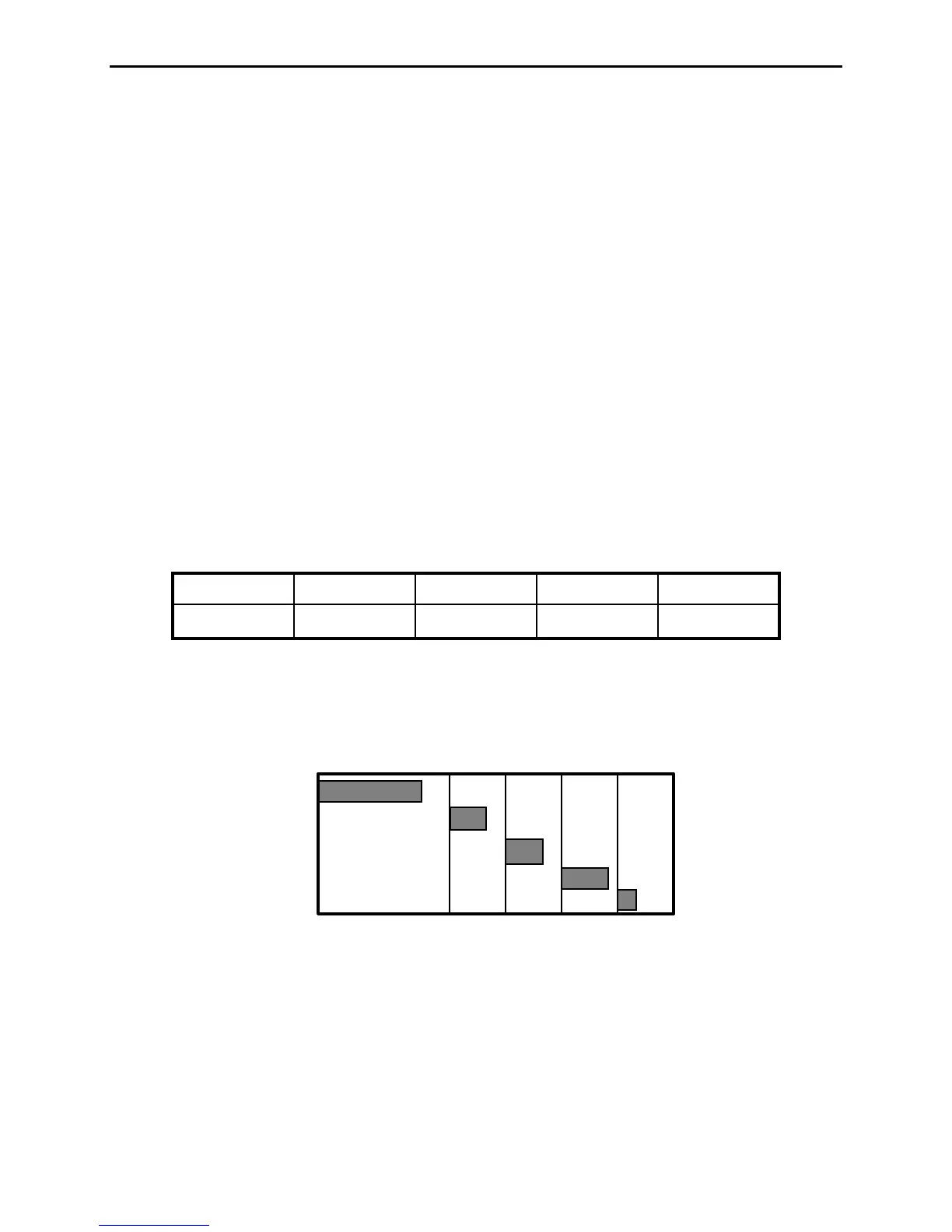
The time line chart below illustrates how a series of short recorded messages might be
distributed in the memory:
MSG1
MSG2
MSG3
MSG4
MSG5
075
Total Time in Seconds
32 42 52 62
32 10 10 10 13
Slot Size in Seconds
The next chart illustrates a message recorded under MSG1 that exceeds its allotted 32 second
limit. Note that MSG1 continues to record beyond the partition, purging the previous contents of
MSG2. When called up, all of MSG1 will play back without interruption. However, when
MSG2 is called up, only that part of MSG1 falling in the MSG2 slot will play.


 To Next Page
 Loading...