1. Open the Xiaomi Home app, and sign in to your account.
2. Tap + in the top right corner of the homepage in the app to enter the Add
device page.
3. Tap in the top right corner of the Add device page, scan the product's
QR code and follow the instructions to complete adding the device and start
using it.
Adding a device
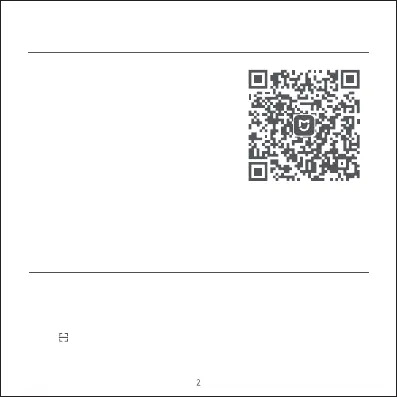
This product works with the Xiaomi Home
app. Use the Xiaomi Home app to control your
device, and to interact with other smart home
devices.
Scan the QR code to download and install the
app. You will be directed to the connection
setup page if the app is installed already. Or
search "Xiaomi Home" in the app store to
download and install it.
Connecting with Xiaomi Home App


 To Next Page
 Loading...