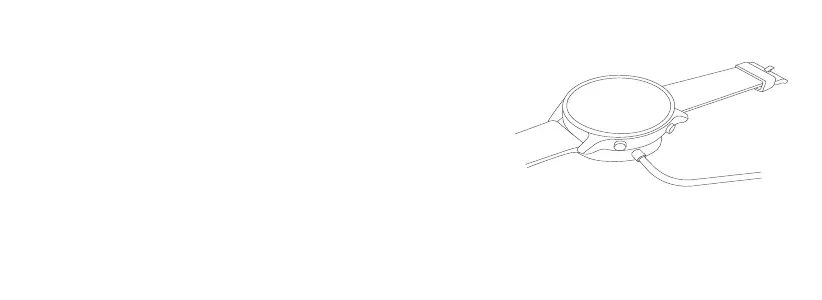
1. Place the watch on the charging dock. Make sure the contact points both on the
back of the watch and the charging dock are making contact with each other.
2. Connect the charging dock to a standard adapter at an output voltage of 5 V and an
output current of 0.5 A or higher.
Notes:
●
If the watch is unable to turn on after it has not been used for a while, it needs to be charged
for about 1 minute before the charging icon is displayed.
●
Wipe the watch's contact points clean before charging so as to avoid residual sweat or
moisture.
Charging


 To Next Page