03
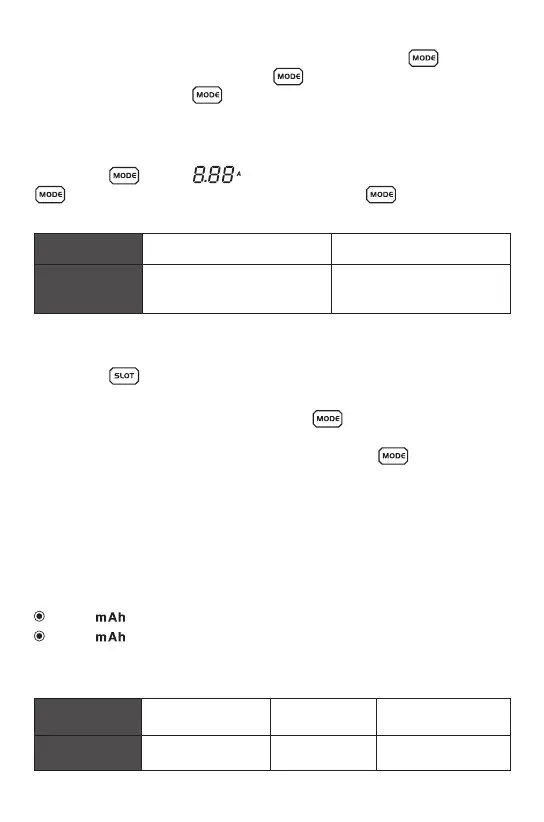
Long press , till the flashing, then short press.
to set the charging current, you can long press to exit or it will
exit automatically after 5 seconds.
Set the batteries type
Set the charging current
Put the batteries into any slot, and quickly double press the , then the
batteries symbol will flash, short press , you can switch the batteries
type, you can long press to exit, or it will exit automatically after 5
seconds.
Note: The whole selection mode only effective for the slots with batteries,
can’t choose the battery type for Ni-MH/Ni-Cd during this mode.
Note: put low voltage batteries into charger and when the charger finished
charging, the mAh means the total capacity of the batteries.
Long press , enter into check all status, all slot symbol flashing, the
charger will exit check all status within 5 seconds if there no operation.
1. Under the check all status, long press the , you can set all slots
charging current.
2. Under the check all status, quickly double press the , you can
change all slots batteries type.
The function of setting all slots simultaneously
Put the batteries into any slot, the charger will automatic calculate the
accumulated mAh.
When “ ”, flashing, the mAh means accumulated mAh.
When “ ”, always-on, mAh means the batteries capacity.
Measure the batteries capacity by charging
Ni-MH / Ni-Cd(1.48V)
Charging
current range
0.1A / 0.2A / 0.3A / 0.4A / 0.5A /
0.6A / 0.8A / 1.0A / 1.2A / 1.5A
0.1A / 0.2A / 0.3A / 0.4A / 0.5A /
0.6A / 0.7A / 0.8A / 0.9A / 1.0A
Li-ion(4.20V / 4.35V)
Voltage < 3.40V Voltage < 3.00V Voltage < 1.05V
LiFePO4(3.60V)
Ni-MH / Ni-Cd(1.48V)
Low voltage
Batteries type
Li-ion(4.20V / 4.35V) / LiFePO4(3.60V)


 To Next Page