Copyright © 2019 Micca All rights reserved. v190826
A. On-Screen Menu
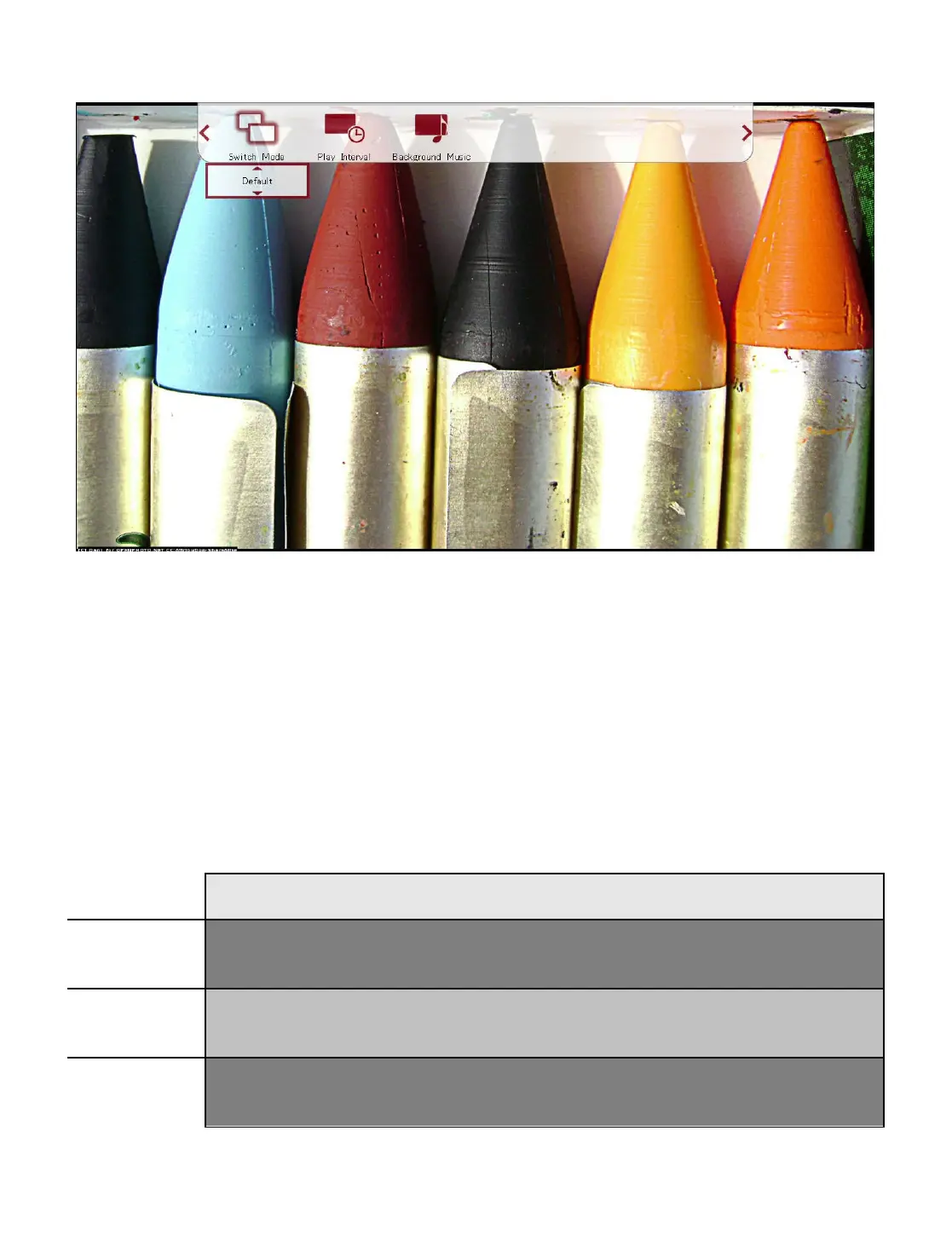
During playback of a photo slideshow, the on-screen menu offers a convenient way to
access many frequently used playback settings. To use the on-screen menu, press the
<MENU> button on the remote while a photo is displayed.
To change a setting, use the <
> and <
> buttons on the remote to highlight the
setting; use the up and down buttons to change the settings value; press the <OK>
button to save the present setting. When finished, press the <RETURN> button on the
remote.
Setting Description
Switch
Mode
Change the transition effect when going from one photo to the next
Play
Interval
Change the time delay between photos.
Background
Music
Turn background music playback on or off.



 To Next Page