Copyright © 2019 Micca All rights reserved. v190826
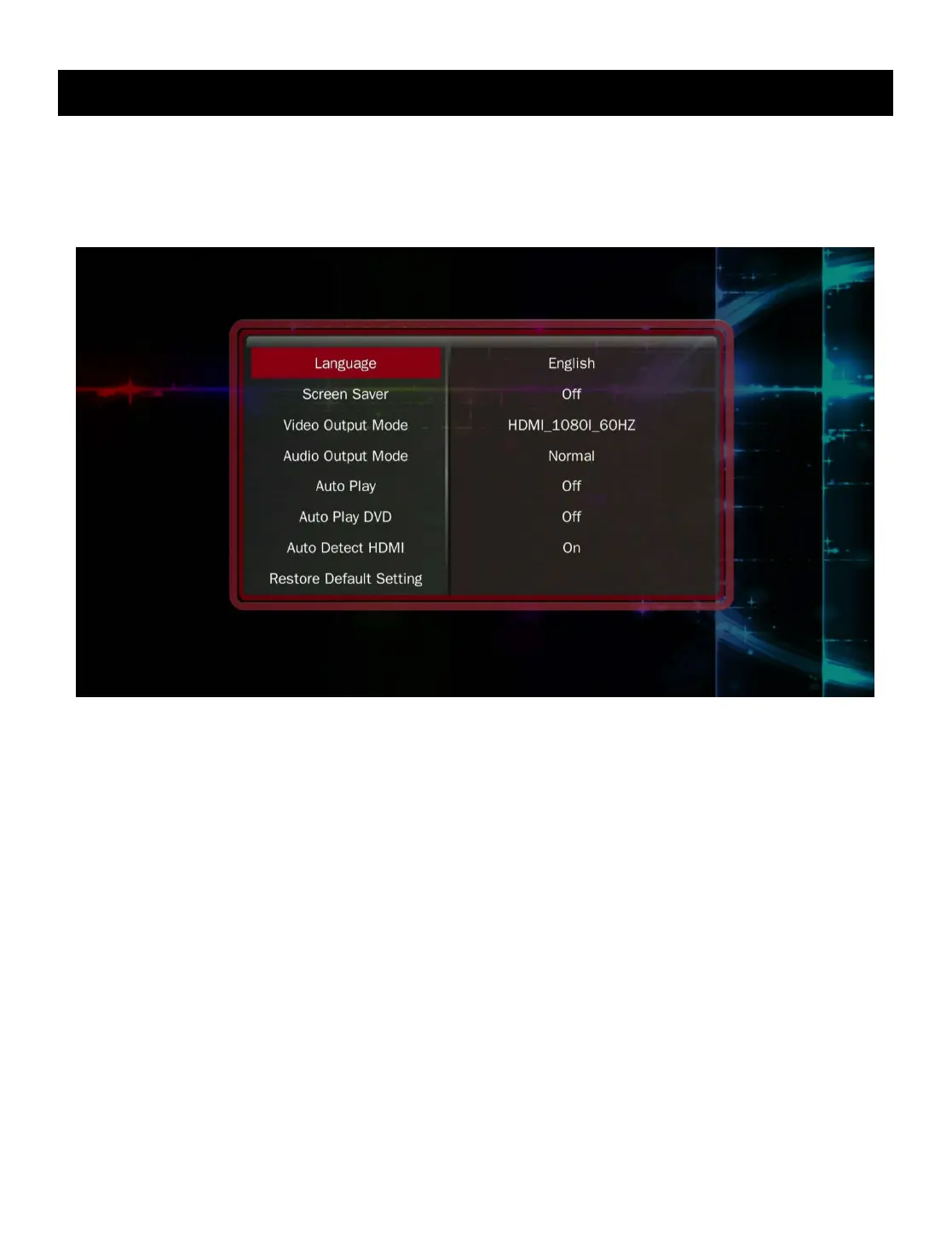
IX. Settings
The setting menu contains numerous configuration parameters that control the behavior
of the Micca Speck during use. Press the <SETUP> button on the remote to access the
Settings at any time.
[Language]
Sets the operating language.
Available values: English, Simplified Chinese, Traditional Chinese, Japanese, Korean,
German, Spanish, French, Italian, Portuguese, Dutch, Russian, Polish, Turkish, Czech.
[Screen Saver]
Sets the idle time after which the screen saver will be displayed.
Available values: 1 / 2 / 5 / 10 / 15 / 30 Minutes, 1 / 2 Hours, Off.
[Video Output Mode]
Sets the video output mode
Available values: NTSC, PAL, 720p (50/60Hz), 1080i/p (50/60Hz)
[Audio Output Mode]



 To Next Page