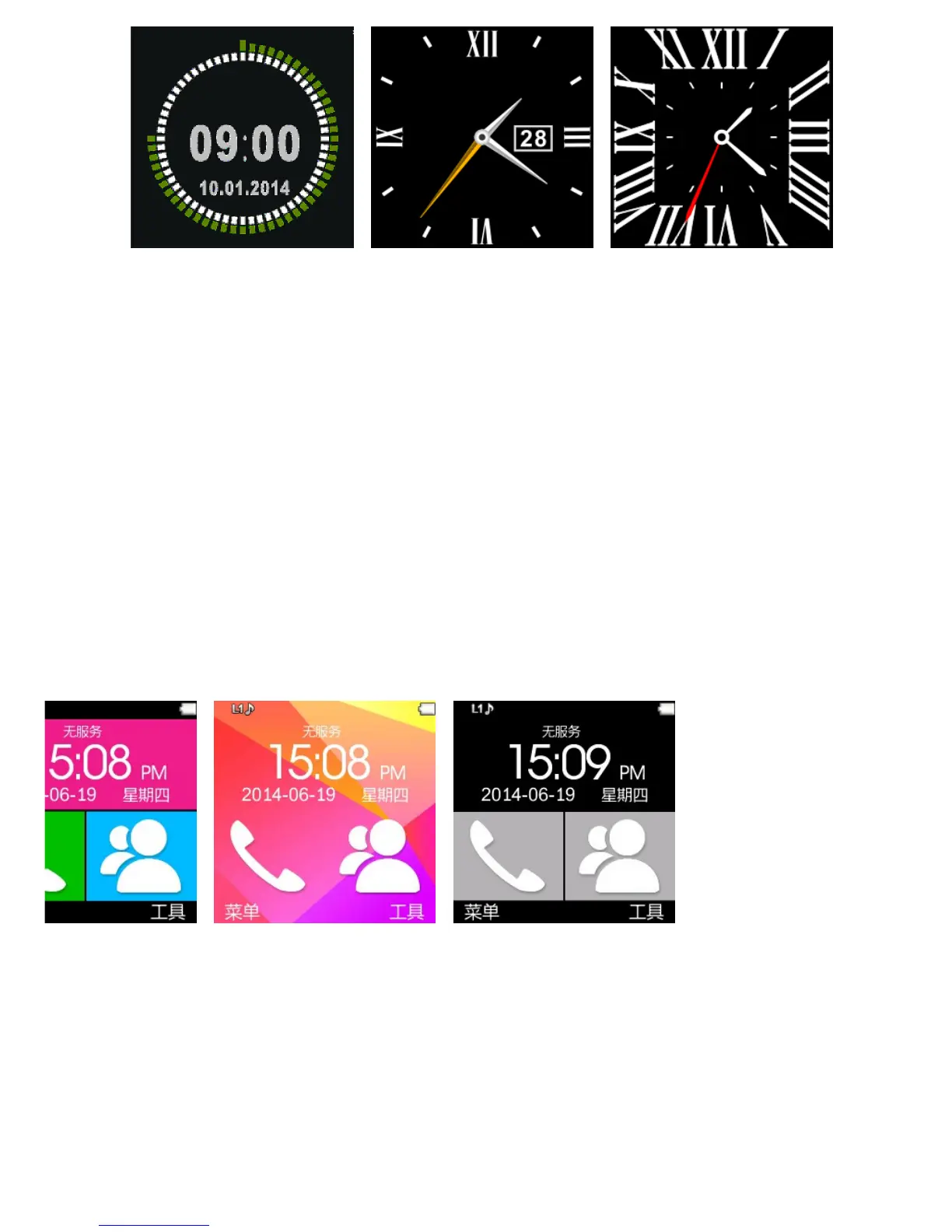
Setting method:
Method 1: Power on,when the phone in clock mode,please click
middle screen and set different clock interfaces if you like.
Method 2:Power on,Main menu: setting--phone setting--standby menu
display -- unlock selection,choose the clock mode if you like.
2.4 Product theme settings
Florid
Colorful Classics
Setting method:
Main menu: Theme setting,choose the theme if you like.



 To Next Page