SYSTEM DIAGNOSTIC SCREENS
SYSTEM STATUS SCREEN
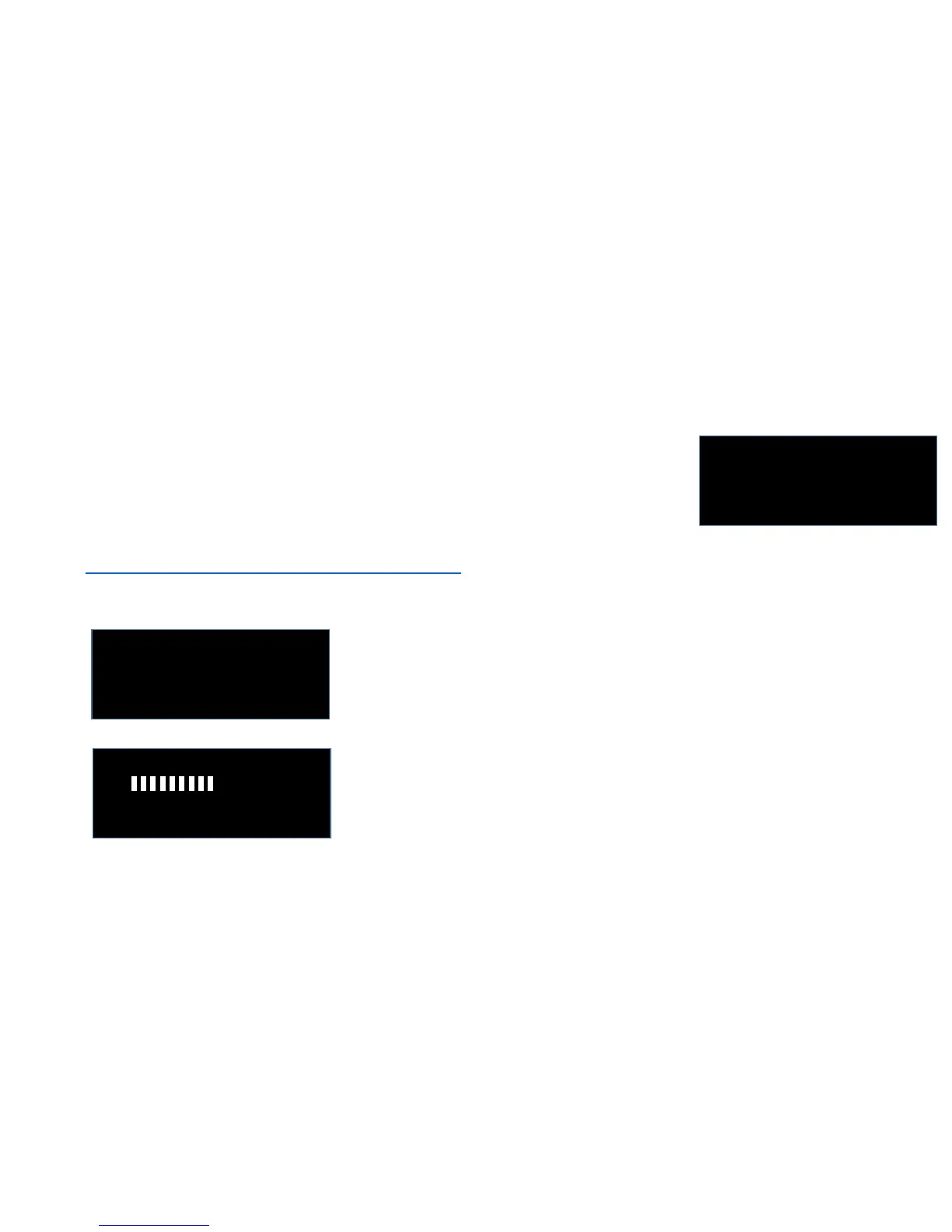
226V – 220V 81 °F
Analysis: OK
- - B5 – C5 - -
[ - - - - - - - - - - - - - - - ] 9
- to reset: power OFF-
ICES model M series
rev: M-20170706
( C ) 2017 Micro-Pulse
Power ON # = 16
While running, you can press the WHITE button to see the internal system
diagnostics. This tells you the internal voltages (x 10), the internal temperature,
and an estimate of the coil status (OK, NO COIL, or SHORT). If you see NO COIL
or SHORT, you might want to check the coils: properly inserted, etc. But this is just
an estimate and everything can still be OK even if it says SHORT or NO COIL, so do
panic and call for service. If you have concerns, use the coil tester to test the coils:
https://www.youtube.com/watch?v=Fy_p2ZtW03M
While running you can also press the RED button. This will alternate
between the two screens on the left. The top screen displays the model
number, the firmware revision, a copyright statement, and the number
of times the device has been powered ON.
The bottom screen is the normal running screen for the model M1. It
displays the currently running protocol name and the intensity setting.
Note that this screen also reminds you that when running, you must
power OFF to reset the device and change the settings. This feature
prevents settings from accidentally changing while the device is running.
COPYRIGHT © 2017 Micro-Pulse LLC All Rights Reserved Worldwide


 To Next Page
 Loading...