Model M Quick Start Guide
1
2
3
5
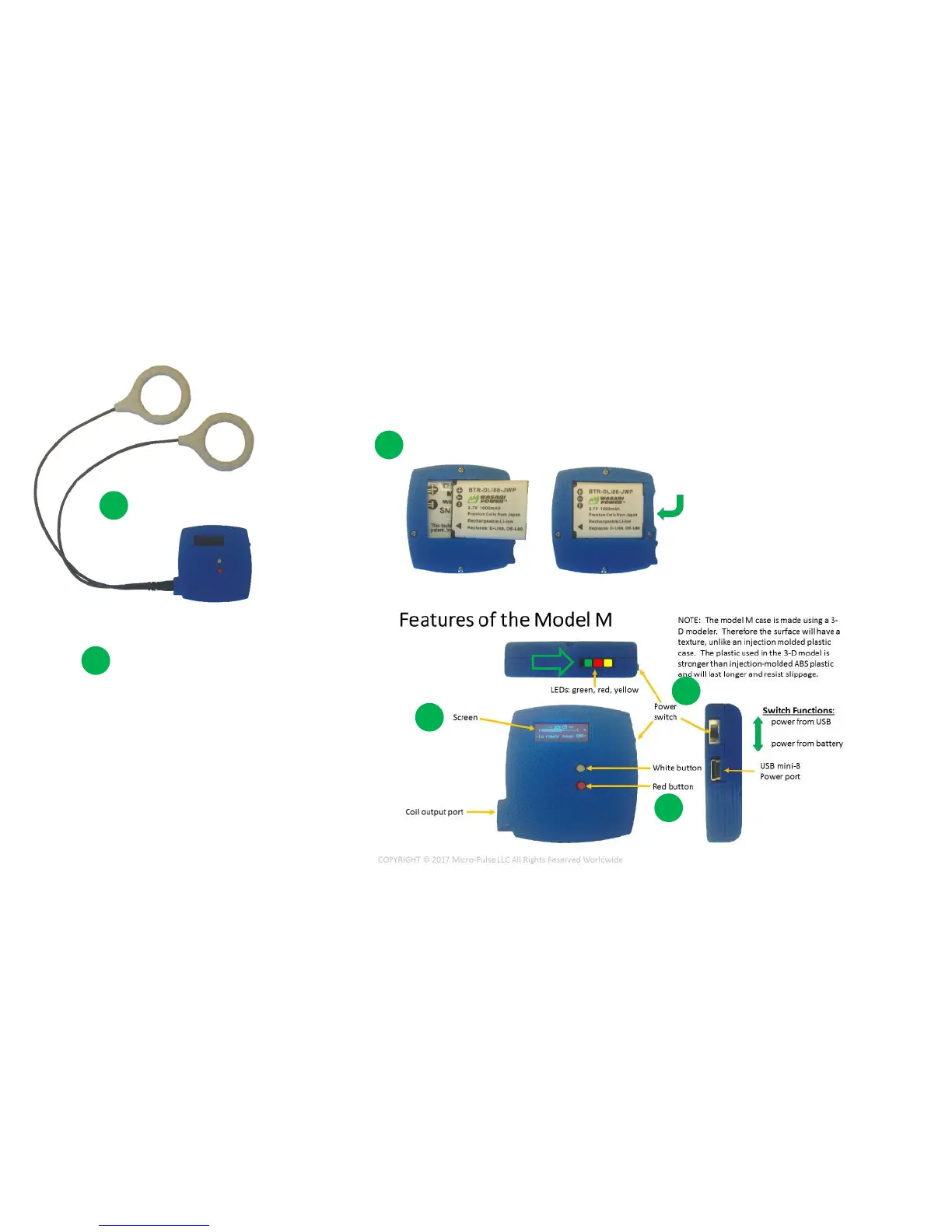
Insert coils fully
Insert freshly charged battery (DLI88)
Set switch to “battery” position
(down)
Press RED button 3 times firmly
4
Wait 2 seconds for screen to clear
It will sweep all white then black
6
When GREEN LED is flashing, unit is operating correctly



 To Next Page