English
En-30
Operation
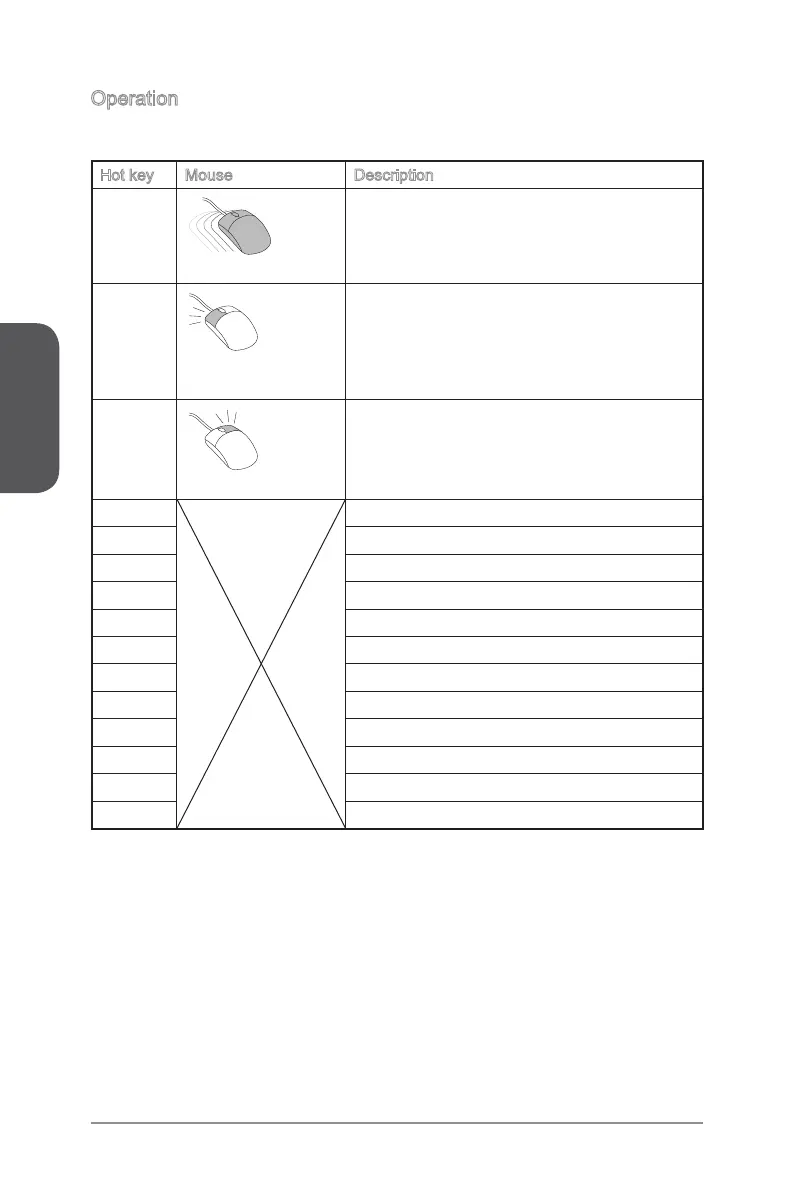
You can control BIOS settings with the mouse and the keyboard. The following table
lists and describes the hot keys and the mouse operations.
Hot key Mouse Description
<↑↓→← >
.
Move the cursor
Select Item
<Enter>
Click/ Double-click
the left button
Select Icon/ Field
<Esc>
Click the right button
Jump to the Exit menu or return to the previous
from a submenu
<+> Increase the numeric value or make changes
<-> Decrease the numeric value or make changes
<F1> General Help
<F2> Favorites assistant
<F3> Enter My Favorites menu
<F4> CPU Specications
<F5> Enter Memory-Z
<F6> Load optimized defaults
<F8> Load Overclocking Prole
<F9> Save Overclocking Prole
<F10> Save Change and Reset
<F12> Save a screenshot to a FAT/FAT32 USB drive



 To Next Page