You can access the small set of DIP switches via the window in the left hand ear cup.
Carefully remove the blank plate with a small screwdriver. After this is removed you will see a
small row of 12 switches. To change the switch position carefully flick the switch with a small
screwdriver. Take care not to break the switches.
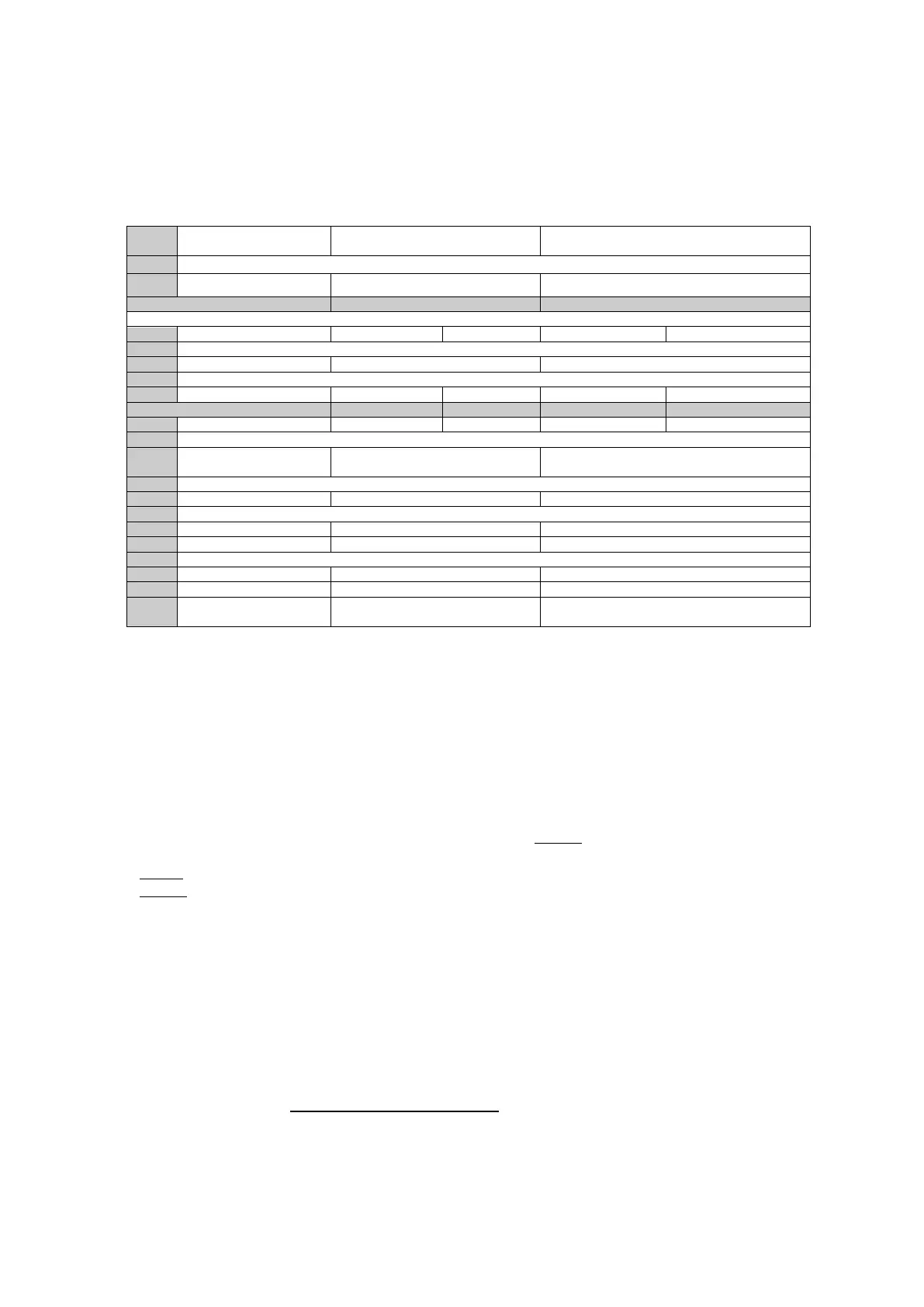
Table 2.
On = Reduces wind noise. Not as
good for music.
Off= Treble noise. Better for music. Not as
good for amplified wind noise.
On = Higher Radio volume to Mute
Off = Lower Radio volume to mute
Second Radio Mic o/p
level
Off = Resistive ground (for most radios)
Off = Higher Receive level
Switch
On = Side tone on always, Us this
for tandem/ Biplace intercom
Off = Side tone only on TX
Switch 1: This alters the equalisation (EQ). For better music reproduction it is best for this to
be in the off position (more treble). If you fly a fast aircraft and suffer from wind noise then this
switch should be in the On position, this reduces treble and reduces amplified wind noise. It is
unlikely that you will need this in the On position.
Switch 2 : This alters the minimum and maximum microphone gain. We recommend the Low
setting. If you suffer from low mobile or radio transmit levels then turn this setting towards the
high level as this will give a stronger signal. Be careful, if you set this too high you may hear a
feedback squeal in the headsets.
Switch 5 & 6: This adjusts the TX (transmit) level on the master radio. To set this to optimum
setting you will need two radios.
Test 1.Transmitt from one radio to the other. Note the receive level (no headset connected).
Test 2. Now transmit from the headset and note the receive level.
You should try to match the volume of test 2 with test 1. If test 2 is lower then set switch 5&6
to a higher level or vies versa.
Switch 7: This adjusts the Auxiliary radio transmit output (o/p) level. Adjust in a similar way to
switch 5&6 only this setting is either High or Low (2 settings).
Switch 8: This selects the PTT type either hard ground or resistive. You should use resistive
PTT setting first as this works for most radios. If your radio does not transmit then try setting
the Hard PTT (On). Most radios will require the Off position.
Switch 9 & 10: This changes the mic transmit from ring to tip. You must not have both
switches on together. Please follow the radio table for more information.
Switch 11: Adjusts the transmit level of the mobile telephone.


 To Previous Page
 Loading...