Thank you! We're thrilled that you've selected Edison V3 for your class—an excellent
choice, if we do say so ourselves!
This guide is a swift introduction to get you up and running with programming your
Edison V3 robot.
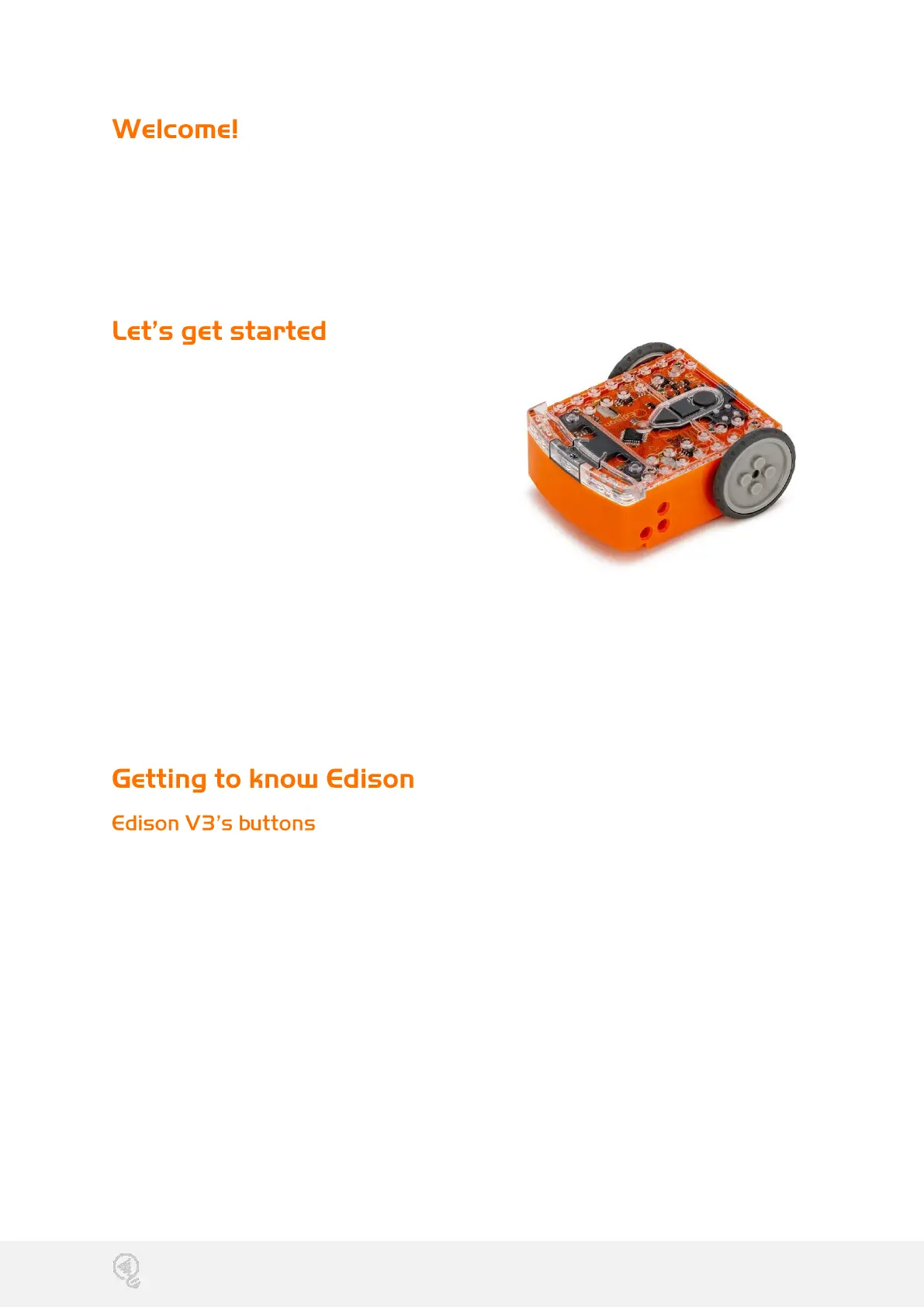
Each Edison robot is packaged in a
small orange box. Unroll the cardboard
inside to take out Edison.
Edison V3 is designed to work with
LEGO bricks on four sides. It features
removable wheels and a skid, enabling
projects involving multiple Edison robots
or using the robot's motors for other
creations.
To power up Edison V3, press the triangle button. This action triggers a chirping
sound, and the red LED lights will begin flashing.
Look at the Edison V3 box for instructions and a barcode to kickstart your first
adventure.
Edison V3’s top has a key pad which includes three buttons. The shape of the
buttons and the number of presses will determine Edison’s behavior.
Play button (triangle button)
• 1 press = turn on (when off)
• 1 press = run program
Record button (round button)
• 1 press = download program via screen flasher
• 3 presses = scan barcode
Stop button (square button)
• 1 press = stop program
• press 3 seconds = turn off


 To Next Page
 Loading...