Product connection
Illustrations
3 4
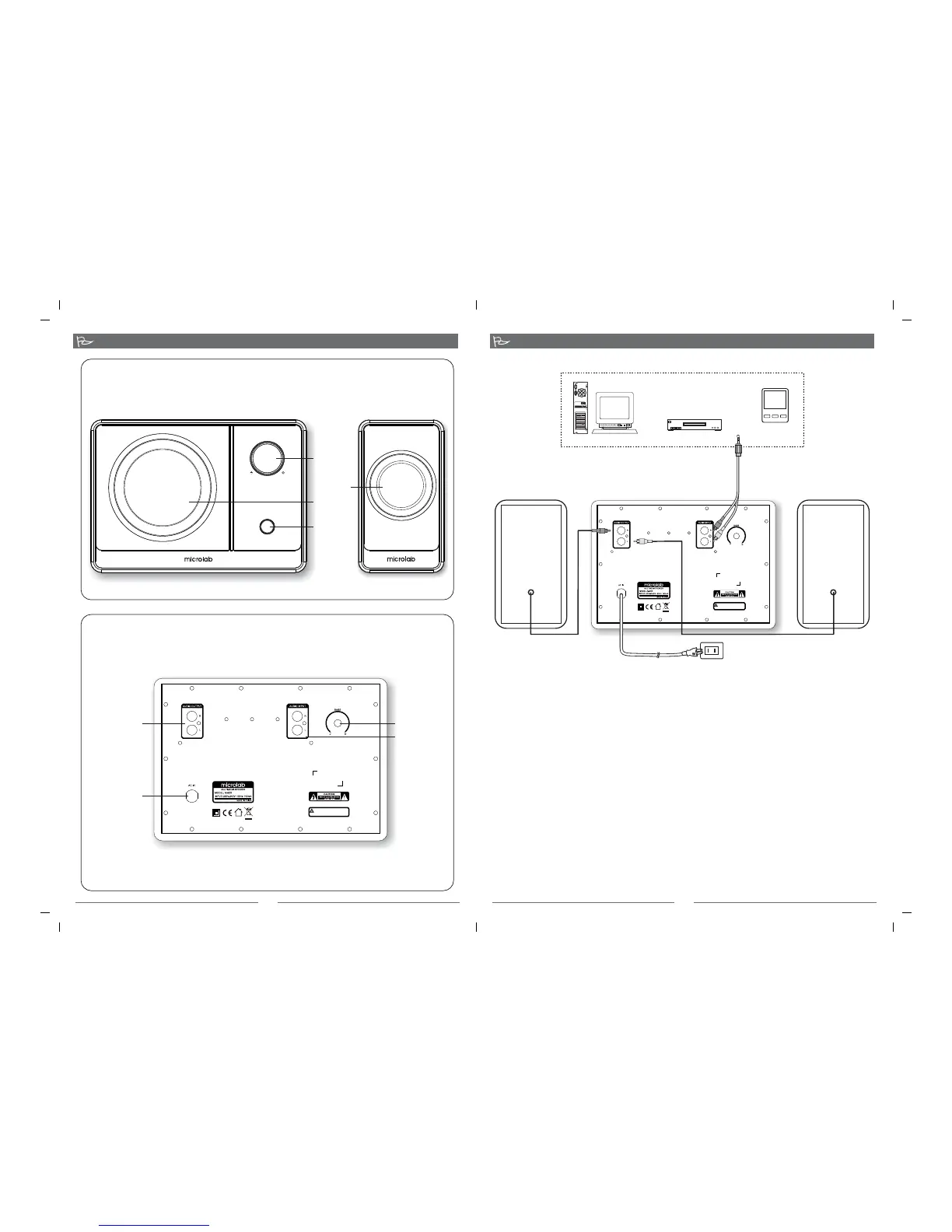
Front View
Rear View
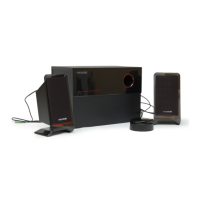
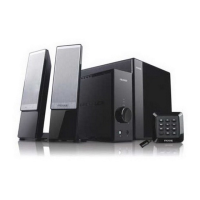
1. Connect the satellite speaker cables into the corresponding L & R output on the rear of the
subwoofer, then put the left channel satellite on the left and the right satellite on the right.
2. Connecting the speakers to the audio source.
Please use the audio cable (3.5mm-2RCA). Connect RCA plugs of the audio cable into the L & R
jacks at the back of the subwoofer, the other end into the output jack on the stereo audio source
such as Mp3, Mp4, PC, or CD/DVD player.
3. Check the connection and make sure every cable is correctly connected, then connect power
plug to the right AC outlet.
1. Ensure the volume is set to minimum.
2. Turn on the main AC power.
3. Please switch on the power of the system in front of the subwoofer.
4. Turn on the playback device such as Mp3, Mp4, CD/DVD, or media player.
5. Adjust the main volume in front of the subwoofer to your preferred level.
6. Next adjust the bass volume at the rear of the subwoofer to your preferred effect level.
Connection:
Operation
RCA
*Note the correct orientation of the satellites as illustrated.
AC power supply:
220V-240V~ 50Hz
Right satellite
Left satellite
SUBWOOFER
PC
Mp3 \ Mp4
Media player
CD\ VCD \ DVD
Master
volume
High temperature during operation.
Avoid touching back panel.
High temperature during operation.
Avoid touching back panel.
VOLUME
06- M600(10)-01-0001-02 2010-01-26
POWER
06- 10 01 26M600(10)-01-0001-01 20 - - 06- M600(10)-04-0001-01 2010-01-26
Tweeter
Woofer
On/Off
button
Audio
Output: 2RCA
AC power
cord
Bass volume
Audio
Input: 2RCA
No:80-M600(10)-97-0001-01 10-03-11


 To Previous Page