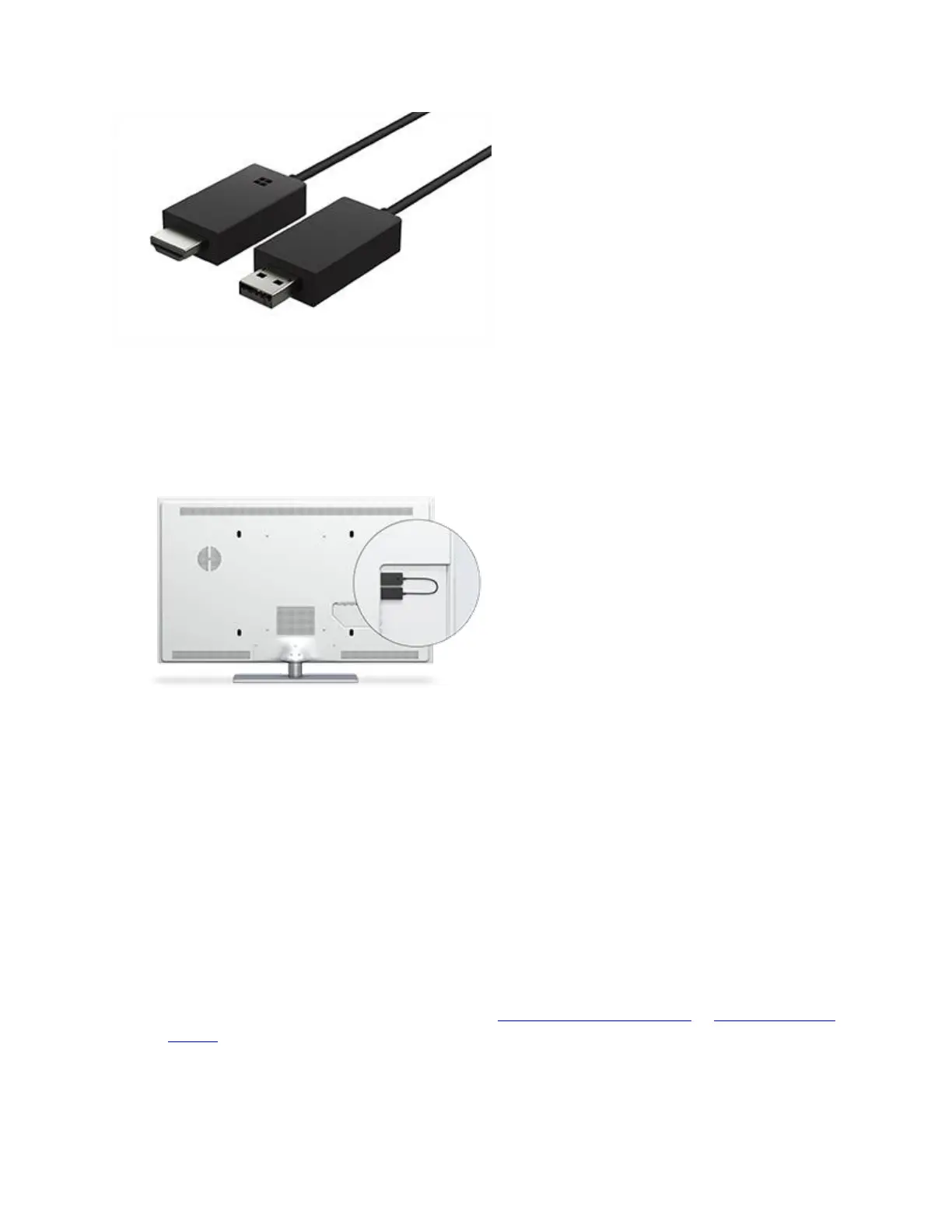
Microsoft Wireless Display Adapter (With Microsoft Four Square Logo)
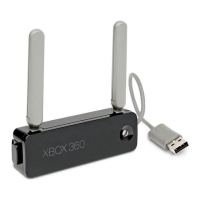
Microsoft Wireless Display Adapter (With Microsoft Four Square Logo) plugged into an HDTV
Before you begin
A few things to know before you start:
You need to plug the Microsoft Wireless Display Adapter into a USB charging port, as it
draws power from the USB connection.
The adapter works best if you have both an HDMI port and a USB charging port on your
HDTV, monitor, or projector.
If the device you're connecting to doesn't have a USB charging port, plug the USB end of
the adapter into the USB charging port on a Surface Pro power supply, a Surface docking
station, or any other USB charger.
If your Surface is running Windows 8, you need to upgrade to Windows 8.1 or Windows
10 before you can use the Microsoft Wireless Display Adapter.


 To Next Page