USER'S
MANUAL
USER'S
MANUAL
USB XpressSCSI
USB-SCSI-DB25 model
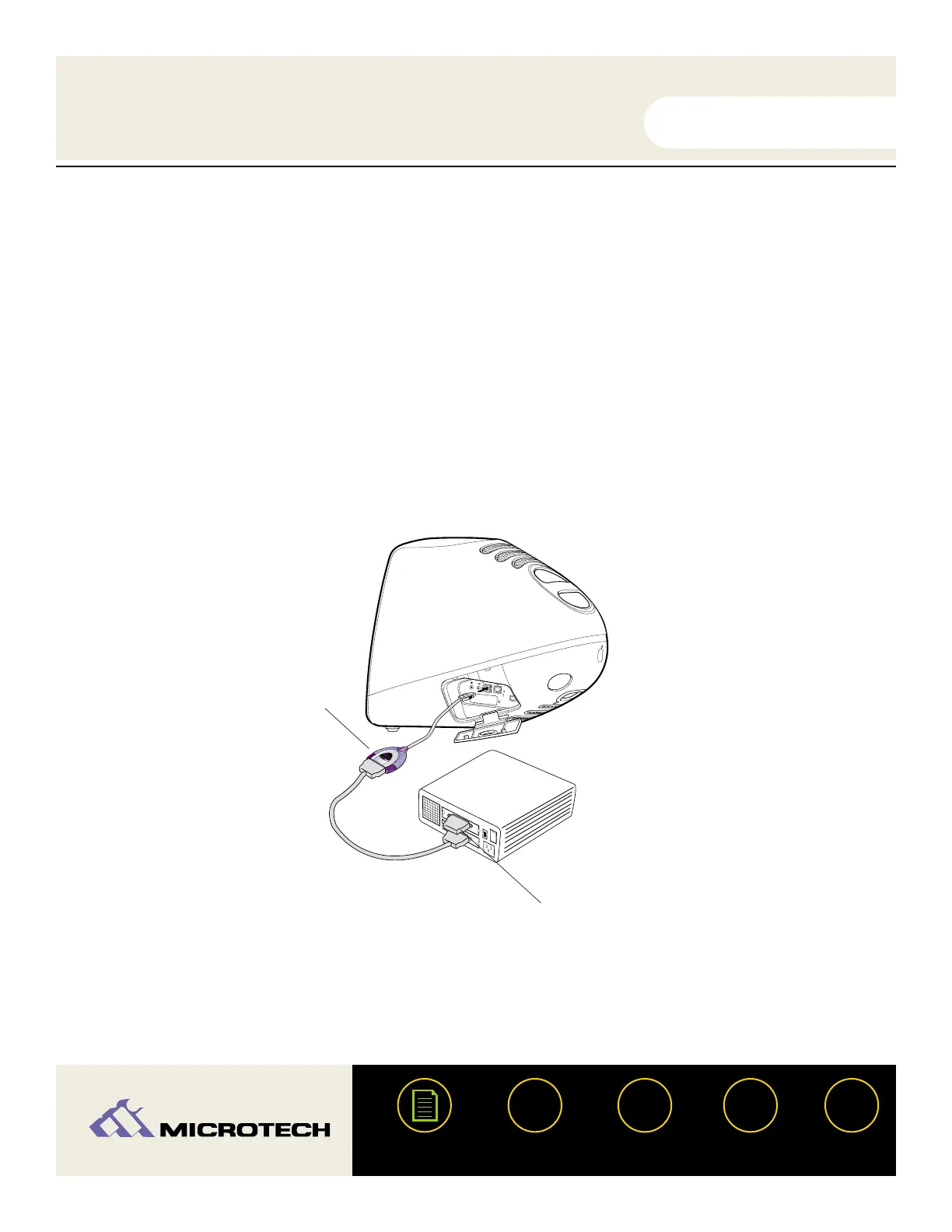
In most cases - you will plug a male DB25 cable (most likely included with your existing
SCSI device) directly to the DB25 female connector of the USB XpressSCSI. In some
instances a gender changer may be required to properly connect to your cable or device.
Be sure the cable is firmly attached to your SCSI device. Built-in hex nuts are provided for
secure attachment.
?
HELP
CONTACT
NEXTBACK
CONTENTS
11
1.
2.
Plug a male DB25 cable directly to
the female DB25 connector on the
USB XpressSCSI.
SCSI terminator.


 To Next Page