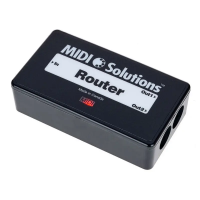
ThankyouforpurchasingtheMIDISolutionsQuadraThru.
TheMIDISolutionsQuadraThruprovidesfourMIDIThruoutputsfromoneMIDIinput,allowingadditionalMIDI
outputstobeaddedatanypointintheMIDIchain.Activecircuitrycleansupanyskewingofthedatabitsthathas
occurredattheinput,resultinginaccurateoutputsignals.TheMIDISolutionsQuadraThruisMIDI-poweredand
requiresnobatteriesorpowersupplytooperate.
INTRODUCTION
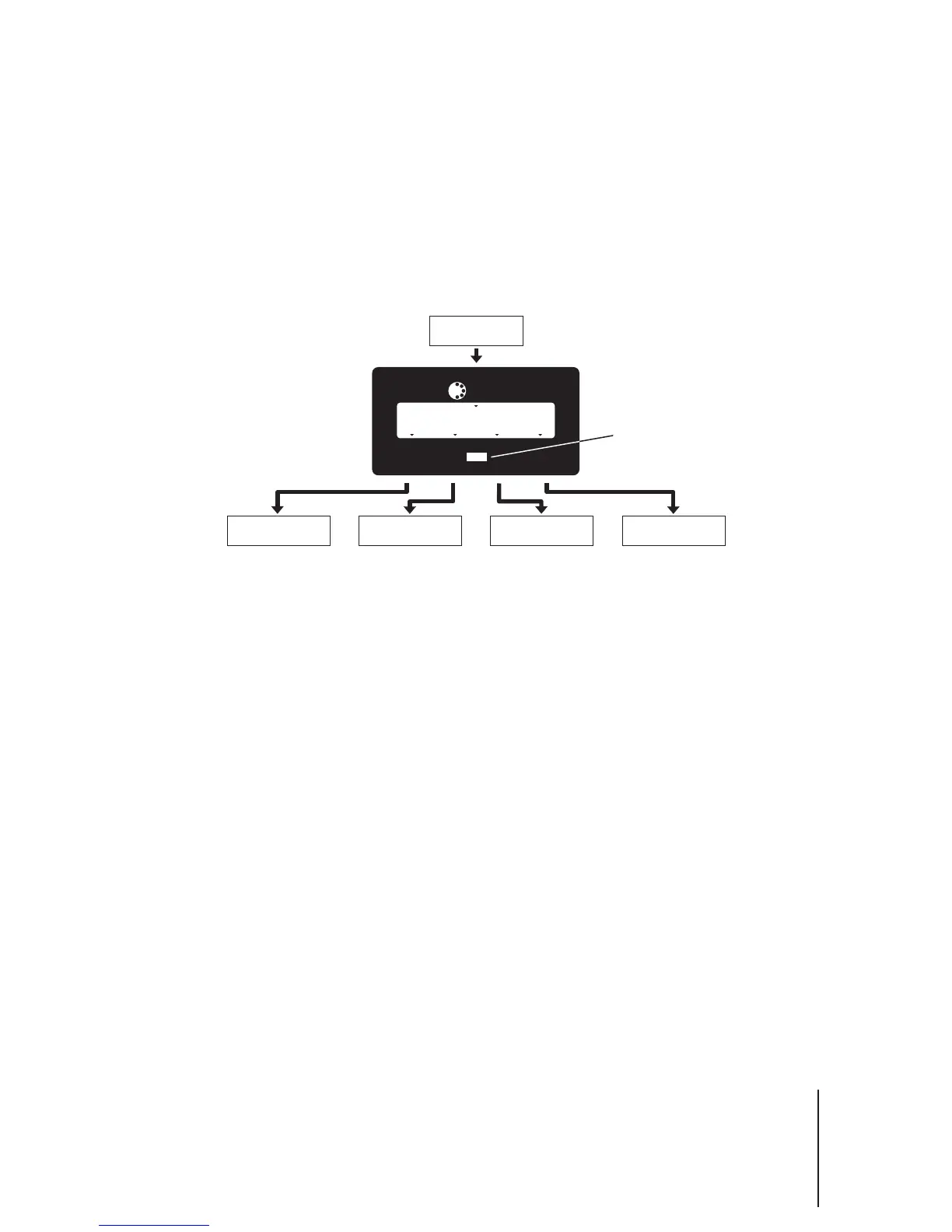
ConnecttheMIDIOutorThruofthesendingMIDIdevicetotheMIDI oftheMIDISolutionsQuadraThru.Connect
, , ,and oftheMIDISolutionsQuadraThrutotheMIDIInsofthereceivingMIDIdevices.It
isrecommendedthatthenumberofMIDISolutionsproductspoweredfromasingleMIDIOutorThrubelimitedto
four.
In
Thru1Thru2Thru3 Thru4
TheQuadraThru'sMIDIIndicatorLEDwilllightassoonasthesendingdeviceisturnedon,andflasheswheneverMIDIdata
passesthroughtheunit.AllMIDImessagesappearingattheMIDIinputaresenttoThru1,Thru2,Thru3,andThru4.
CONNECTIONS
OPERATION
3
MIDI In
Receiving Device #2
MIDI In
Receiving Device #3
Sending Device
MIDI Out or Thru
MIDI In
Receiving Device #1
MIDI In
Receiving Device #4
MIDI Solutions
TM
MadeinCanada
MIDI
Thru1
In
Thru4Thru3
Quadra Thru
Thru2
MIDI Indicator LED


 To Next Page
 Loading...