8
OPERATION
Mode Select: Press the radio key that was assigned in the radio programming. A tone followed by a higher tone
indicates the unit was toggled into scramble mode. A tone followed by a lower tone indicates the unit was toggled
into clear mode.
Code Select: When the unit is programmed with multiple security keys, pressing and holding the mode button
can access different keys. A number of tones will be emitted as the unit changes from one code to another.
TECHNICAL NOTES
Radio Compatibility: Midian has taken the utmost care to ensure the option board integrates into the radio with
minimal impact to the features of the radio. However, some features may not be available in the radio when an
option board is used.
VX-4000: Go-Ahead beeps are not supported in this radio.
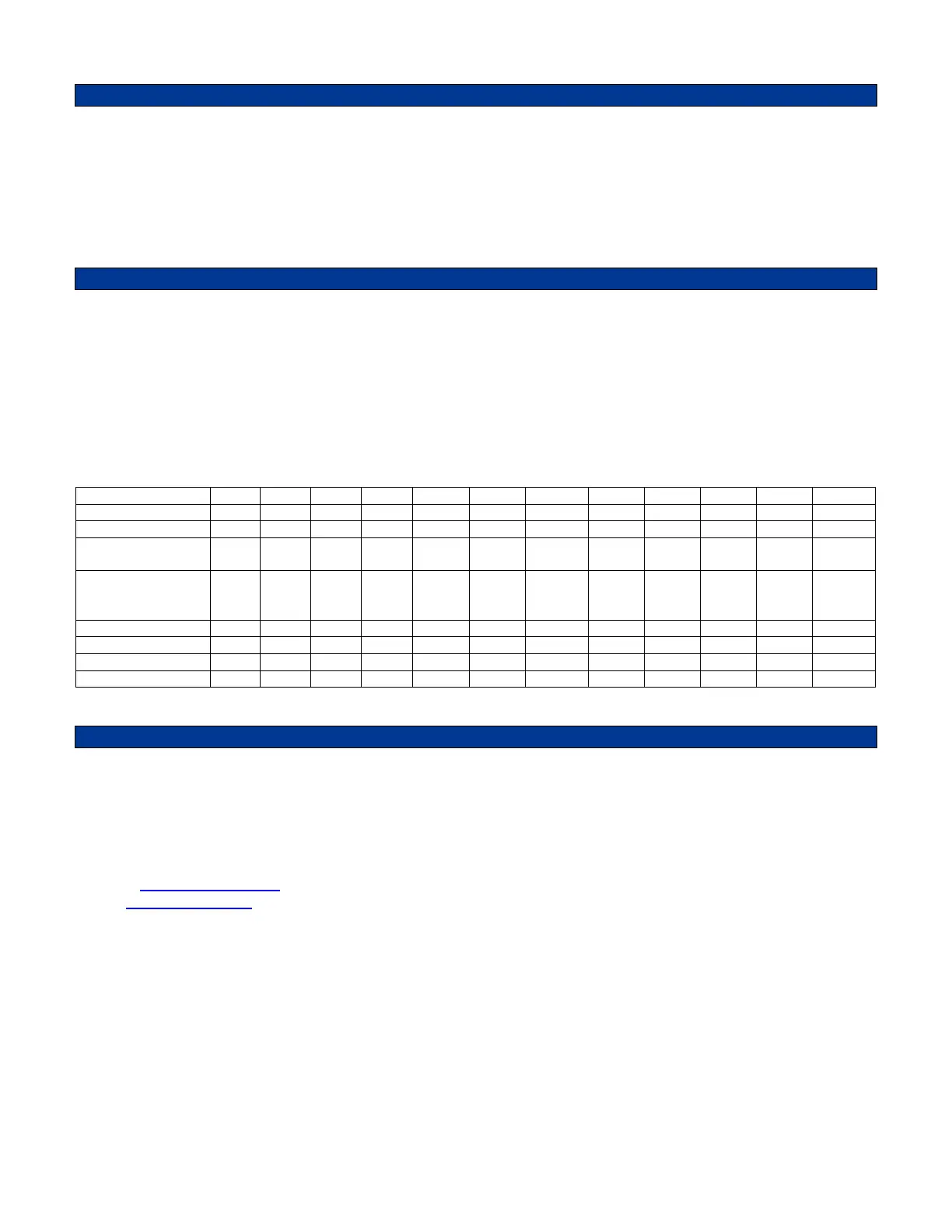
NOTE: The scrambler should be ordered for the specific radio model. However, if you need to change radio
models you will need to complete the component changes on the following list.
TVS-2-VX & VPU-15-VX REVISION C & D
VX-350 222 222 103 222 222 750 K 220 K 47 K 47 K 47 K 750 K 200 K
VX-410/420 222 222 103 222 222 1 M 220 K 62 K 47 K 47 K 220 K 220 K
VX-450/460
VX-4500/4600
102 102 104 472 222 560 K 470 K 62 K 47 K 75 K 100 K 270 K
VX-600/900/
2100/2200/4000/
5500
222 222 103 222 222 1 M 220 K 47 K 47 K 47 K 200 K 62 K
VX-800 222 222 103 222 222 1 M 470 K 62 K 47 K 75 K 200 K 220 K
VX-820/920 222 103 104 222 104 750 K 47 K 47 K 47 K 62 K 750 K 750 K
VX-4100/4200 222 103 104 223 103 1 M 470 K 62 K 47 K 75 K 470 K 150 K
VX-6000 222 103 104 222 222 560 K 220 K 62 K 36 K 47 K 750 K 750 K
MIDIAN CONTACT INFORMATION
MIDIAN ELECTRONICS, INC.
2030 N. Forbes Blvd. #101
Tucson, Arizona 85745 USA
Toll-Free: 1-800-MIDIANS
Main: 520-884-7981
E-mail: sales@midians.com
Web: www.midians.com


 To Next Page
 Loading...