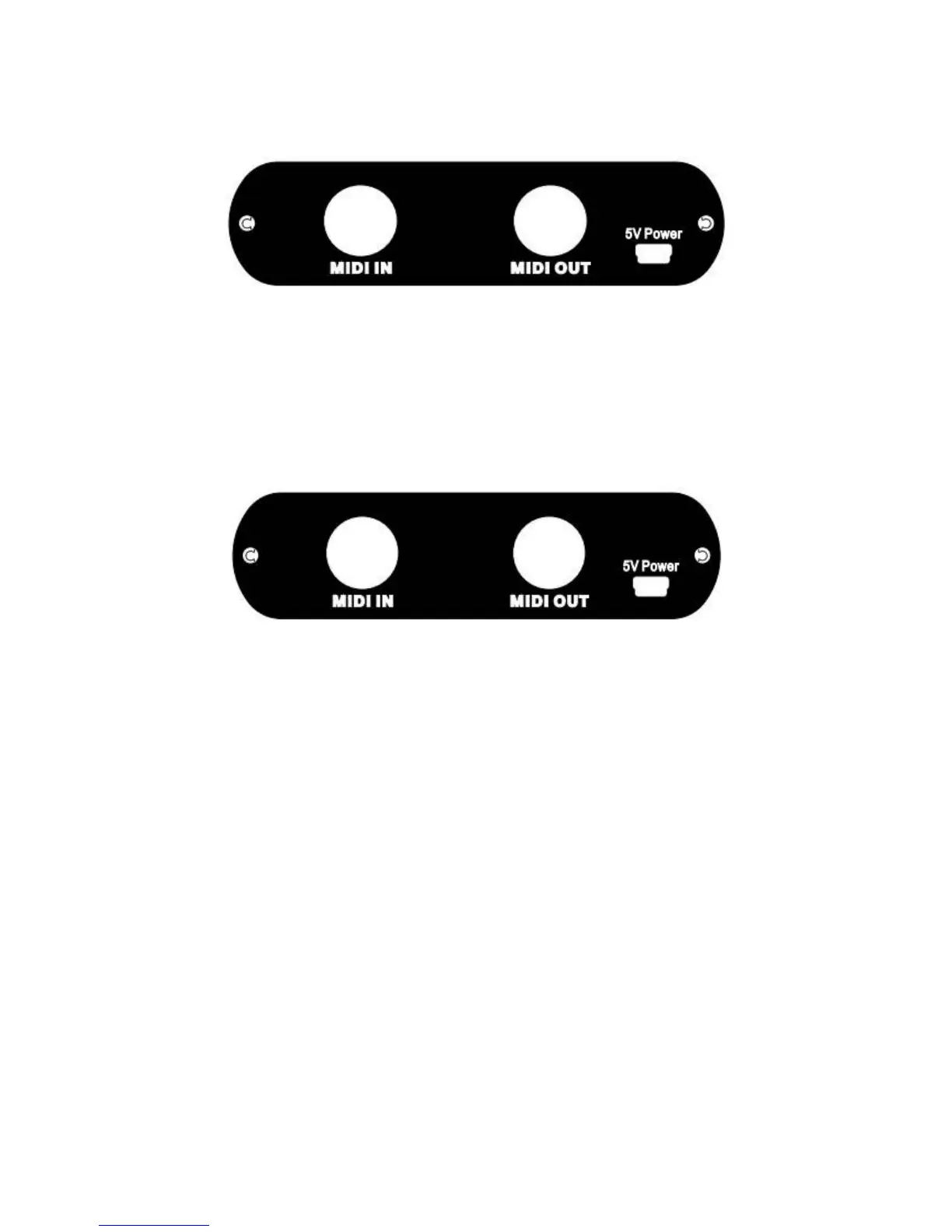
Panel:
Front:
● Interface: USB HOST Interface (USB peripherals)
Connect MIDI devices with USB output interface functions.( Any keyboard device)
● LED: Green and Red.
If don’t connect any USB devices to USB HOST interface , LED light up Red.
If connect any USB devices to USB HOST interface , LED light up Green.
Back:
● Interface: MIDI IN Interface , MIDI OUT Interface .
Connect to external midi device’s MIDI interfaces. Note: Use the MIDI IN connector to connect the
device, you need an external power supply keyboard.
● Interface: Mini-USB power Interface .
Mini-USB interface that provides 5V power
* If anything update, please received in kind prevail, latest information and please pay attention to
the official website.
Have much fun with this product!
6



 To Next Page