XT70 user’s manual | 15
Troubleshooting and radio reset
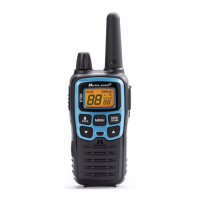
Your Midland XT70 is designed to provide you with years of optimal perfor-
mance. If for some reason problems arise, refer to this chapter before contac-
ting a service centre in your region.
Reset
If your transceiver experiences a logical malfunction (improper symbols on the
display, blocking of functions, etc.), it may not be experiencing a true failure,
but rather a problem caused by external factors. For example, it may have an
incorrect setting brought on by a noise or spikes in the electrical system during
battery recharging. In such cases, you can reset the transceiver to its factory-
programmed settings, by resetting all parameters:
1. Turn o the transceiver
2. Keep pressed the ▲ button and turn on the radio at the same time. All
the functions will be reset ex-factory.
Before you go ahead with the reset, we recommend that you take note of all the
setting you have carried out as they will be deleted.


 To Next Page