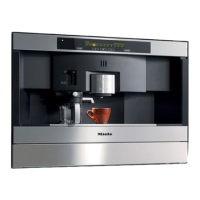
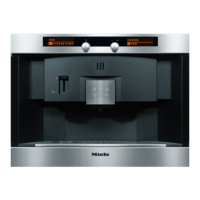
The coffee system can be customized
to suit individual preferences.
Selecting a language
Settings F
K1 K1 K3 K4 K5 LLn G k C
^
Select "Settings F" from the main
menu. Confirm with OK.
"Language" is now highlighted in the
display.
^
Select OK.
^
Tap < or > until the desired language
is highlighted.
A total of 25 languages are available.
^ Confirm with OK.
The setting will be automatically saved
and the display will go back to the
previous screen.
All displays will now appear in the
selected language.
If a language is accidentally
selected, follow the flag F to return
to the language setting.
Time of day
^
Select "Settings F" from the main
menu. Confirm with OK.
^
Tap > until "Time of day" is
highlighted, confirm with OK.
Clock format
^
Select "Clock format" using the arrow
buttons.
^
Tap > to select a 12 or 24-hour
format.
^
Select OK when the desired clock
format is highlighted.
The clock format has now been saved.
Setting the time of day
^ Select "Set" using < or >.
^ Tap < or > to set the hour.
^ Confirm with OK.
^ Repeat to set the minutes.
^
Confirm with OK.
The time is now saved.
Settings
28


 To Next Page
 Loading...