Setting the serving size for hot
water
^
Place the desired cup under the hot
water dispenser.
^
Tap - until the display reads "Prog.
the amount".
^
Tap - again once the cup is filled as
desired and "Save" appears in the
display.
Each time the hot water is prepared the
programmed amount will be dispensed.
Setting serving sizes via
"Settings"
^
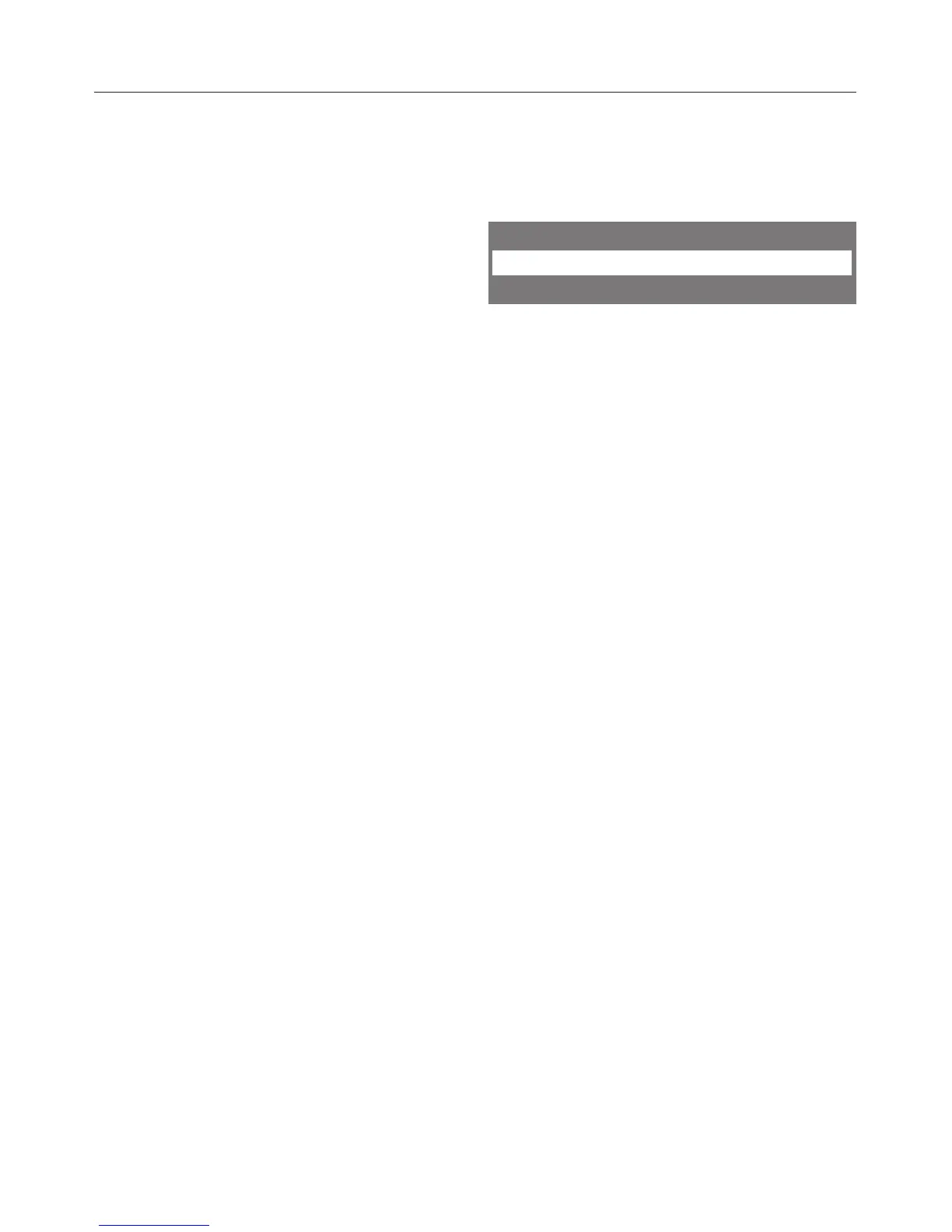
Select "Settings F", confirm with OK.
Settings
Prog. the amount
Amount of coffee
^
Tap < or > until "Prog. the amount" is
highlighted, confirm with OK.
^
Use < or > to select the beverage
you wish to set a serving size for.
^
Select "Start", confirm with OK.
Proceed as you would for programming
using OK or - .
Setting the serving sizes
36



 To Next Page