Before using for the first time
26
Activation failed
If the wireless connection cannot be
established despite activating the
cooker hood and the hob, both
appliances must first be deactivated
and then re-activated.
Deactivating wireless connection
The hob and cooker hood must be
switched off.
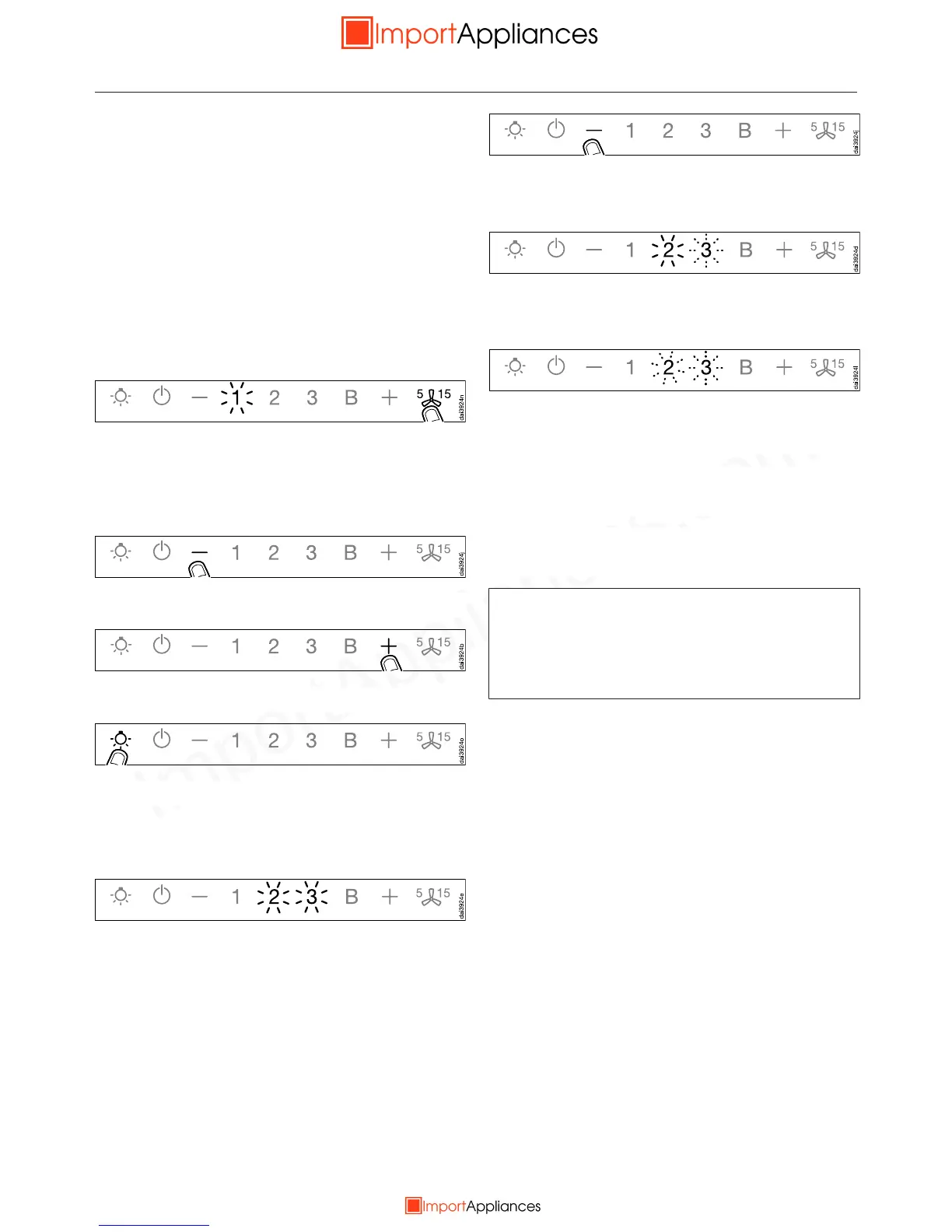
Press the run-on control for
approx. 10 seconds until 1 lights up.
Then press in turn:
– the control,
– then the control,
– then the lighting control.
The cooker hood is now in signing on/
off mode.
If a wireless connection has already
been established, 2 and 3 will light up
constantly.
Press the control to deactivate
Con@ctivity 2.0.
2 will light up constantly, 3 will flash on
and off.
After a few seconds 2 and 3 will start
flashing on and off.
The wireless connection has now been
deactivated.
To deactivate the hob, see the hob
operating instructions.
Note that disabling the wireless
connection will also deactivate any
remote control function and this will
have to be activated again.


 To Next Page