Reading the operating hours counter
for the charcoal filter
To check the percentage of time set
already used:
^
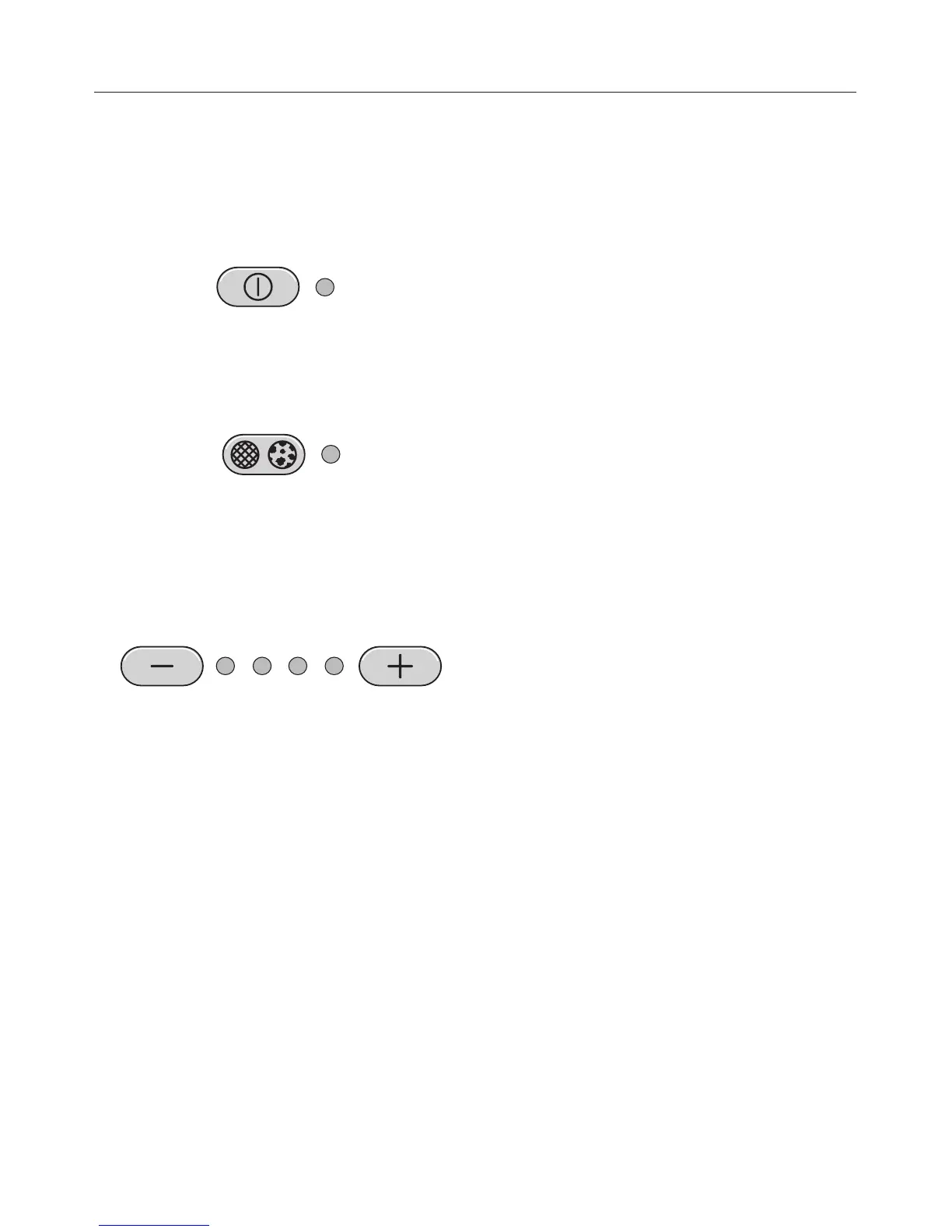
Press the On/Off touch control to
switch the fan on.
^ Press the operating hours control
twice in succession, and hold it
pressed in.
The indicator lamp will light up blue.
One or more of the indicator lamps for
the – / + controls will flash.
The number of flashing lamps shows
the percentage of the operating time
which has already been used up.
1 lamp = 25 %
2 lamps = 50 %
3 lamps = 75 %
4 lamps = 100 %
The number of operating hours used
remains in the memory, even when the
appliance is switched off or there is a
power cut.
Use
21



 To Next Page