13 - 70 gr/gal:
^
Press the f button.
The f indicator will light.
An indicator corresponding to a set wa
-
ter hardness will light (see Table 2).
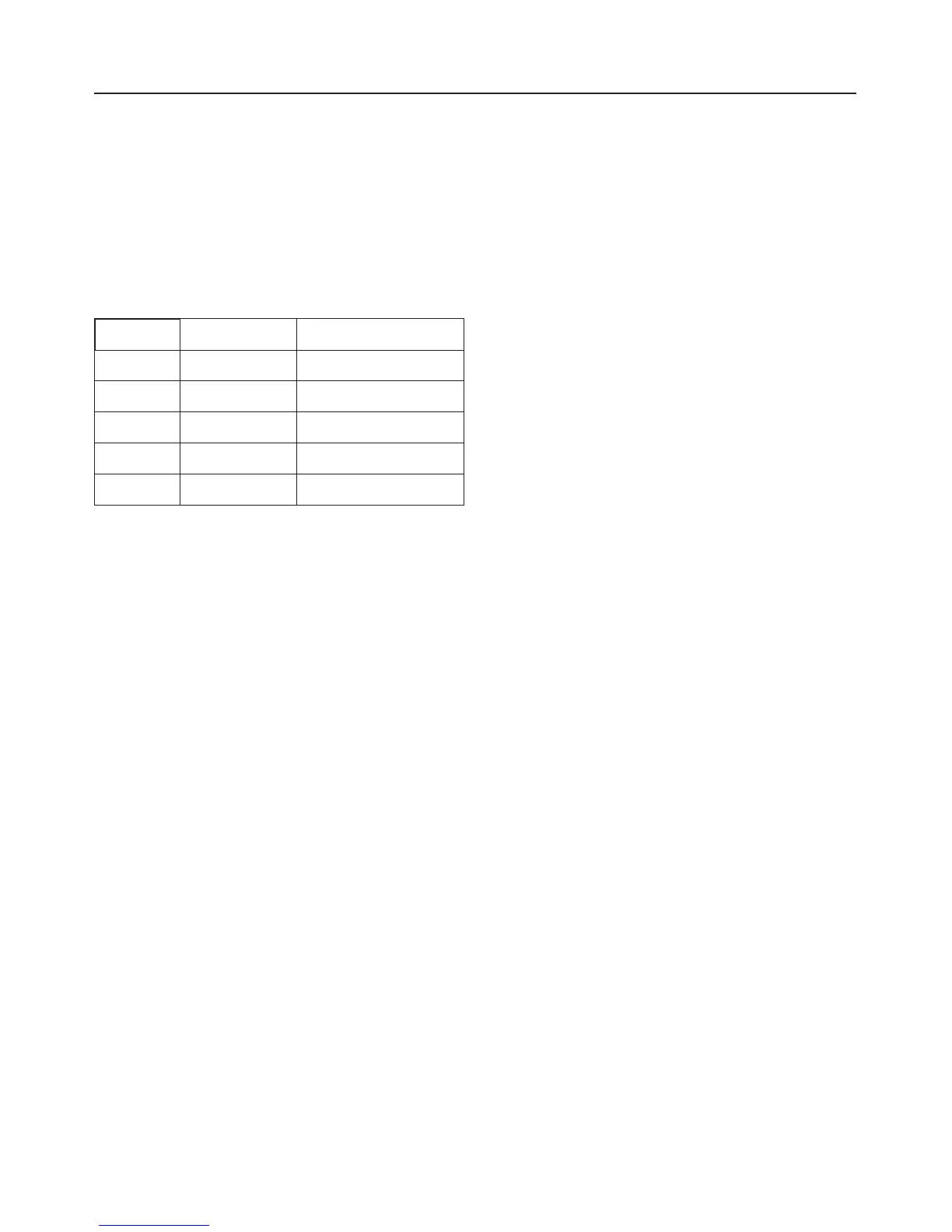
Table 2:
gr/gal ppm Button
13 230 a
14 - 16 250 - 290 b
17 - 22 310 - 400 c
23 - 35 410 - 630 d
36 - 70 650 - 1260 e
If this value corresponds with the water
hardness in your area:
^ Turn off the dishwasher.
If you need to program a different water
hardness:
^ Press the button which corresponds
to your water hardness (see Table 2).
The "Salt" and b indicators will flash.
^
Press the f button twice.
The "Salt" and f indicators will flash.
The new water hardness is set.
^
Turn off the dishwasher.
Checking the programmed water
hardness
^
Open the door.
^
Turn off the dishwasher.
^
Press and hold the a and c buttons.
At the same time turn on the dish
-
washer with the "On" (15) button.
^
Release all buttons.
The "Salt" and b indicators will flash.
If this is not the case, the above steps
must be repeated.
^
Press the b button.
The programmed water hardness is in-
dicated by:
1 - 12 gr/gal
Corresponding indicator is lit, (see
Table 1).
^ If an indicator is not lit, press the f
button.
13 - 70 gr/gal:
The f indicator and an additional
corresponding indicator is lit, (see
Table 2).
^
Turn off the dishwasher.
Before using for the first time
16



 To Next Page