Running the dishwasher
^
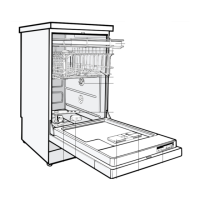
Open the door.
^
Make sure the spray arms are not
blocked.
^
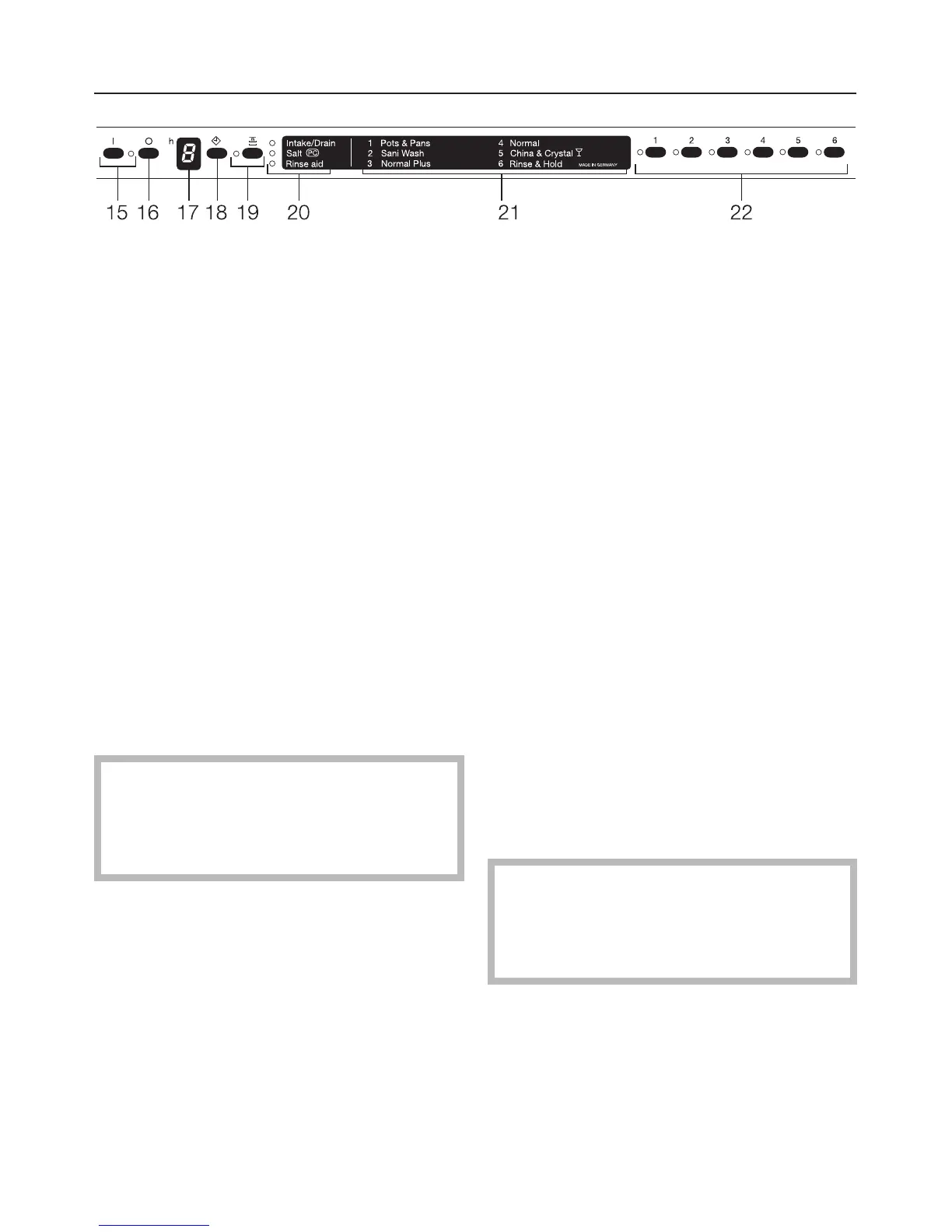
Turn on the dishwasher using the
"On" button (15).
^
Select a wash program using the pro
-
gram selection buttons (22). Refer to
the "Program guide" for details.
The selected program indicator will
light.
^ Select "Top Solo" or "Delay Start" if
desired. See "Additional features".
^ Close the door.
The red optic indicator will come on.
The program will begin.
Do not end a program prematurely!
Important program steps could be
omitted (e. g. reactivating the water
softener).
Waterproof System
All Miele dishwashers are specially de
-
signed to shut off the water intake and
drain the wash cabinet in the rare event
of an internal water valve failure.
For this feature to be active, the ma
-
chine must be "On" (not necessarily
running), and the door must be closed.
At the end of a program
At the end of a program the optic indi-
cator will flash.
The optic indicator will go out after an
hour, or sooner if the door is opened.
After a program has ended:
^ Open the door.
The optic indicator and the program in
-
dicator will go out.
^
Press the "Off" button (16).
Allow dishes to cool before unloading.
It is advisable to turn off the water
supply if the dishwasher will not be
used for a period of time (e.g. while
vacationing).
Operation
32



 To Next Page