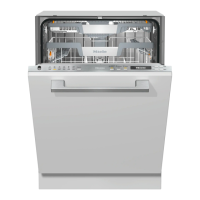
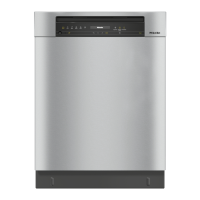
Guide to the appliance
23
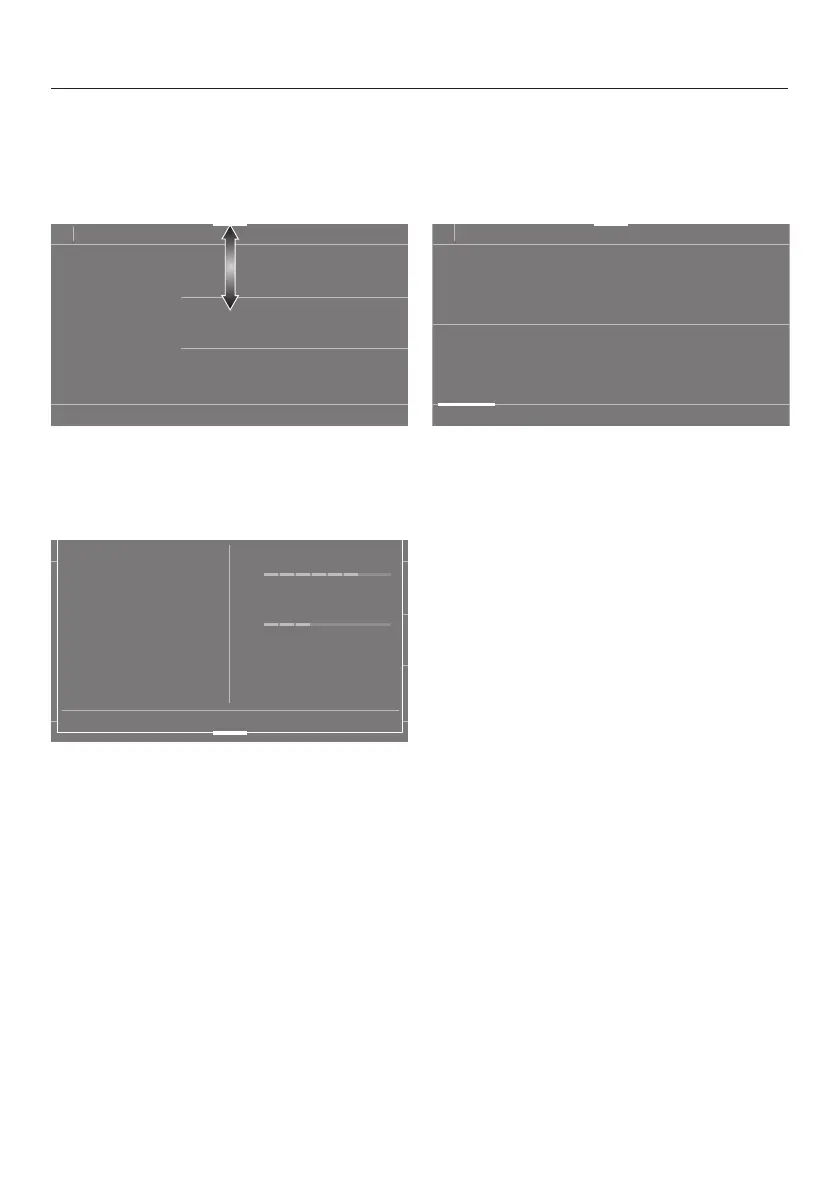
Pull-down menu
The pull-down menu can be used to
display information about the selected
programme.
11:02
3:55
°C
50
h
Extras
Timer
Extra clean
Extra dry
AutoDos
Express
IntenseZone
To open the pull-down menu, touch the
orange bar at the top edge of the
screen and swipe down with your
finger.
11:02
3:55
°C
50
h
Timer
Extra cleanAutoDos
IntenseZone
Express Extra dry
Info
Express
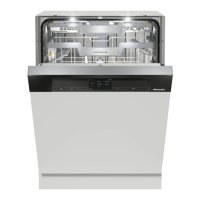
Energy consumption
Water consumption
The energy and water consumption as
well as any selected Extras and the
dishwasher network status
(connected, not connected) are
displayed in the pull-down menu.
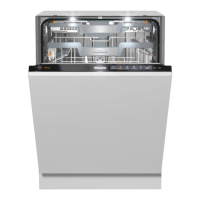
SuperVision menu
You can use the SuperVisionsensor in
the display to show the status of your
Miele household appliances.
11:02
3:55
2:03
2:46
4:01
50
Programmes
h h
h h
°C
°C
°C
55
Auto
45-65
°C
ExtraQuiet
50
Gentle
SuperVision
All Miele household appliances that are
connected to your Wi-Fi network and
that have SuperVision display activated
are displayed in the appliance list (see
“Settings - SuperVision”).


 To Next Page