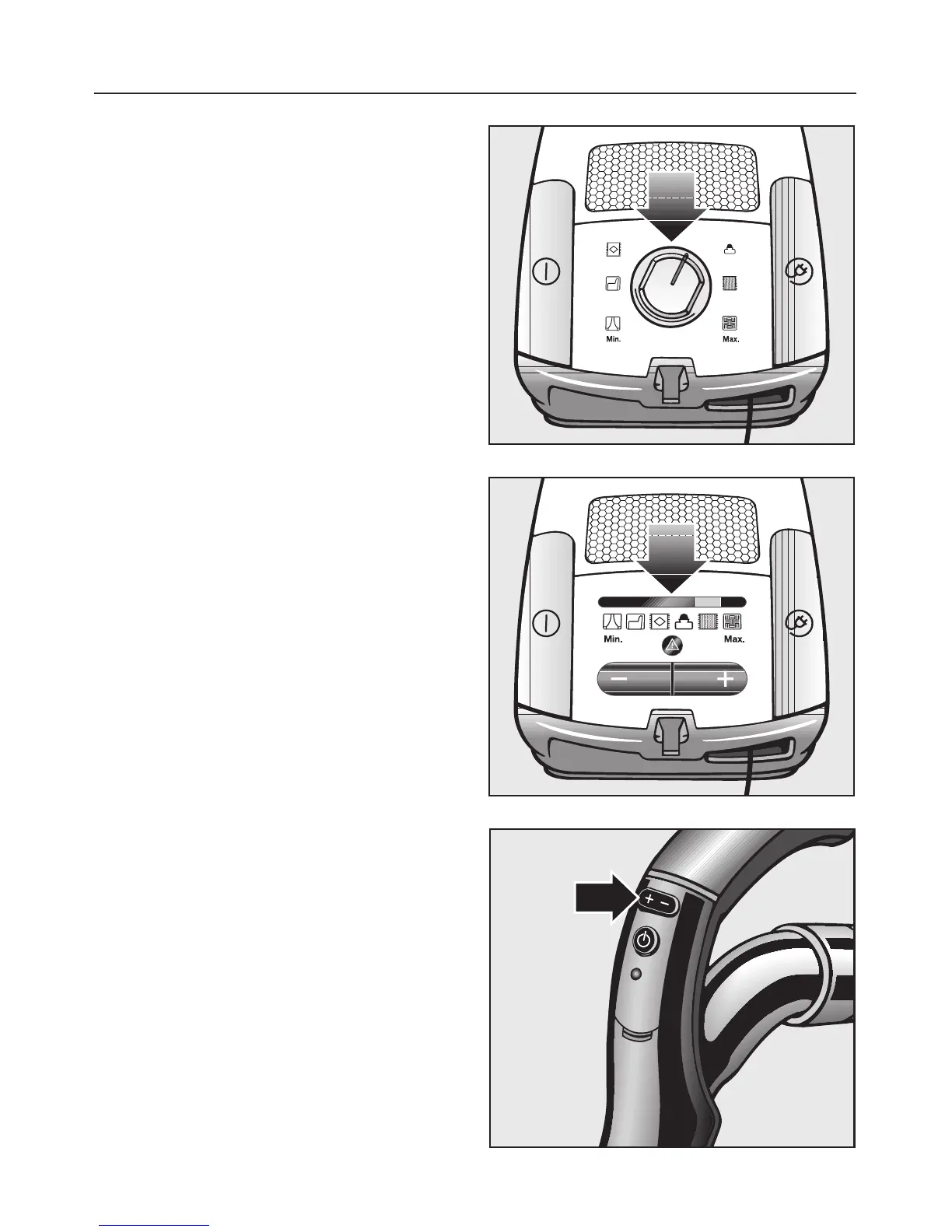
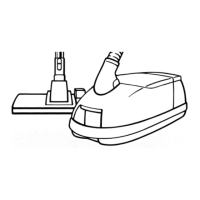
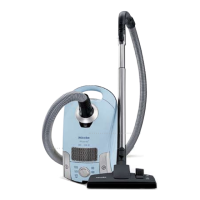
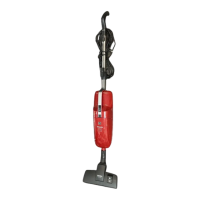
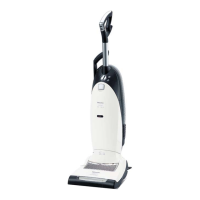
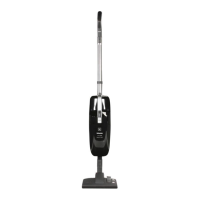
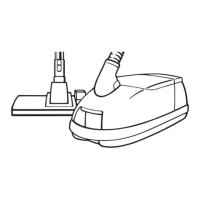
The controls vary from model to model,
and are described as follows.
Rotary selector
^
Turn the rotary selector to the desired
suction power setting.
+ / – controls
Press the controls until the light bar
above the desired suction power
setting is illuminated.
^ Press the + control to select a higher
setting.
^ Press the – control to select a lower
setting.
+ / – at the radio handpiece
Press the controls until the desired
suction power is shown in the vacuum
display on the canister.
^
Press the + control to select a higher
setting.
^
Press the – control to select a lower
setting.
Every push of a button at the
handpiece is displayed by the indicator
light.
Operation
24


 To Next Page