□Wireless connection pairing connection:
First, when the keyboard is opened, blue LED light will be lighted, Press FN+C key, the blue
LED light will flash, the keyboard will access in pairing.
Second, active “Wireless connection “function in the device which you are going to operate, and
find MPC-002, then press continue key to connect. If the connection successful, the blue LED
light will always be lighted.
□ LED light indication
1.Power indication LED light- When the keyboard switches on, the blue LED light will be turned
off after 3-second.
When keyboard is pairing, the blue LED light will flash.
The Red led light will flash in low energy, and the Red led light will be lighted in charging.
Red led Light will be turned off after full charging.
2.Caps Lock LED light- Press”CAPS lock” key to shift “Capital” and “Lowercase “.
□keyboard operation instruction:
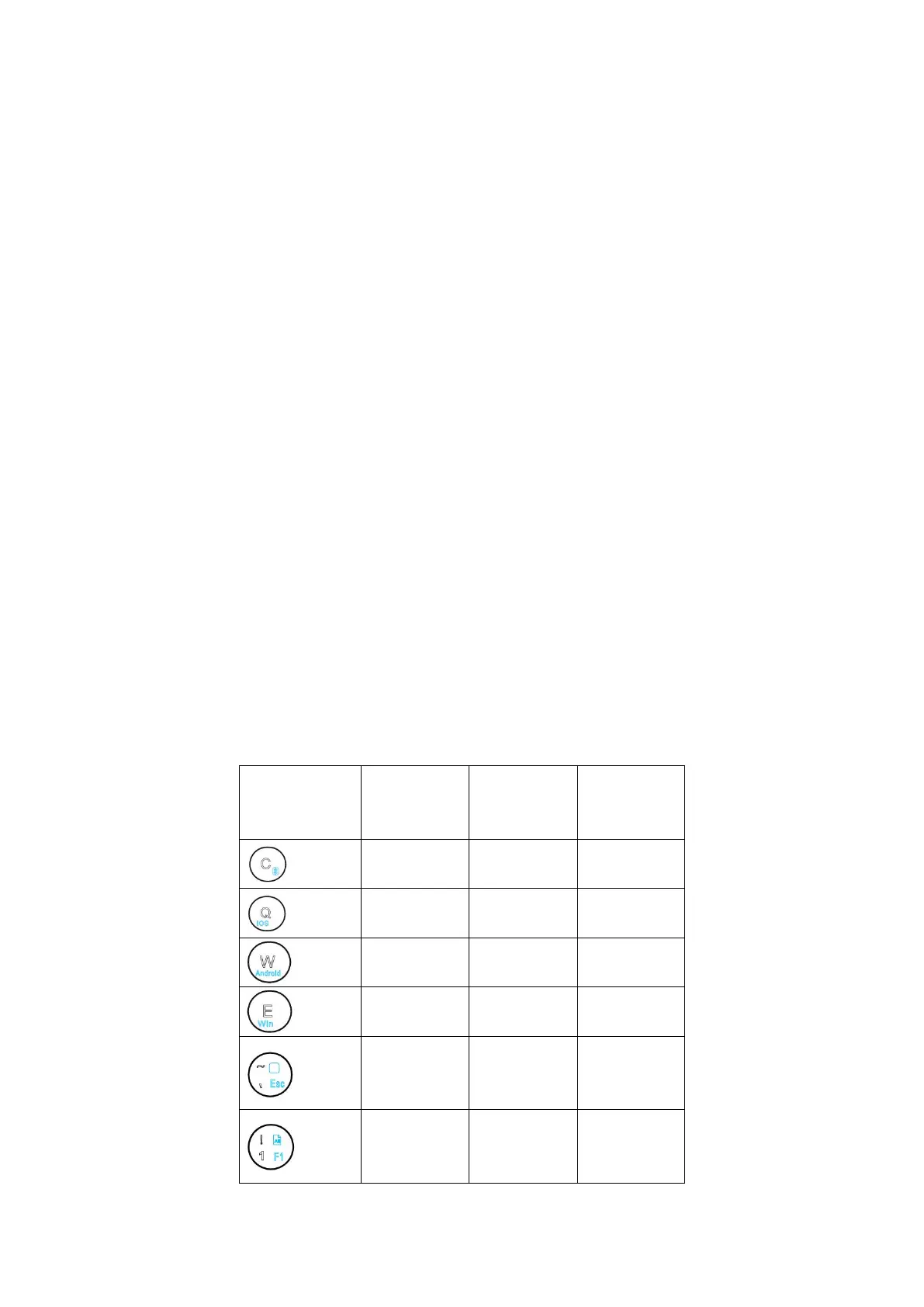
1.When the keyboard and the operation device is in successful pairing. Please Press FN+Multimedia
key to confirm the corresponding system, otherwise some of the function keys will out of work.
□FN -function key instruction
FN key must combine the key with the same color to use ( The below figure for Android system
functions can match with Samsung tablets perfectly . for other brand tablets, there will be some
difference )



 To Next Page
 Loading...