Table 4-5-1 Description of the buttons
Check the checkbox to enable Motion Detection function
Onvif Motion
ActiveCells Settings
Normal and Compatible are available for the option. If the setting of motion
region of the third-party software is different from ours, please set this option to
Compatible.
Click the button, the motion in the area will be detected
Click the button, the area drawn before will be removed
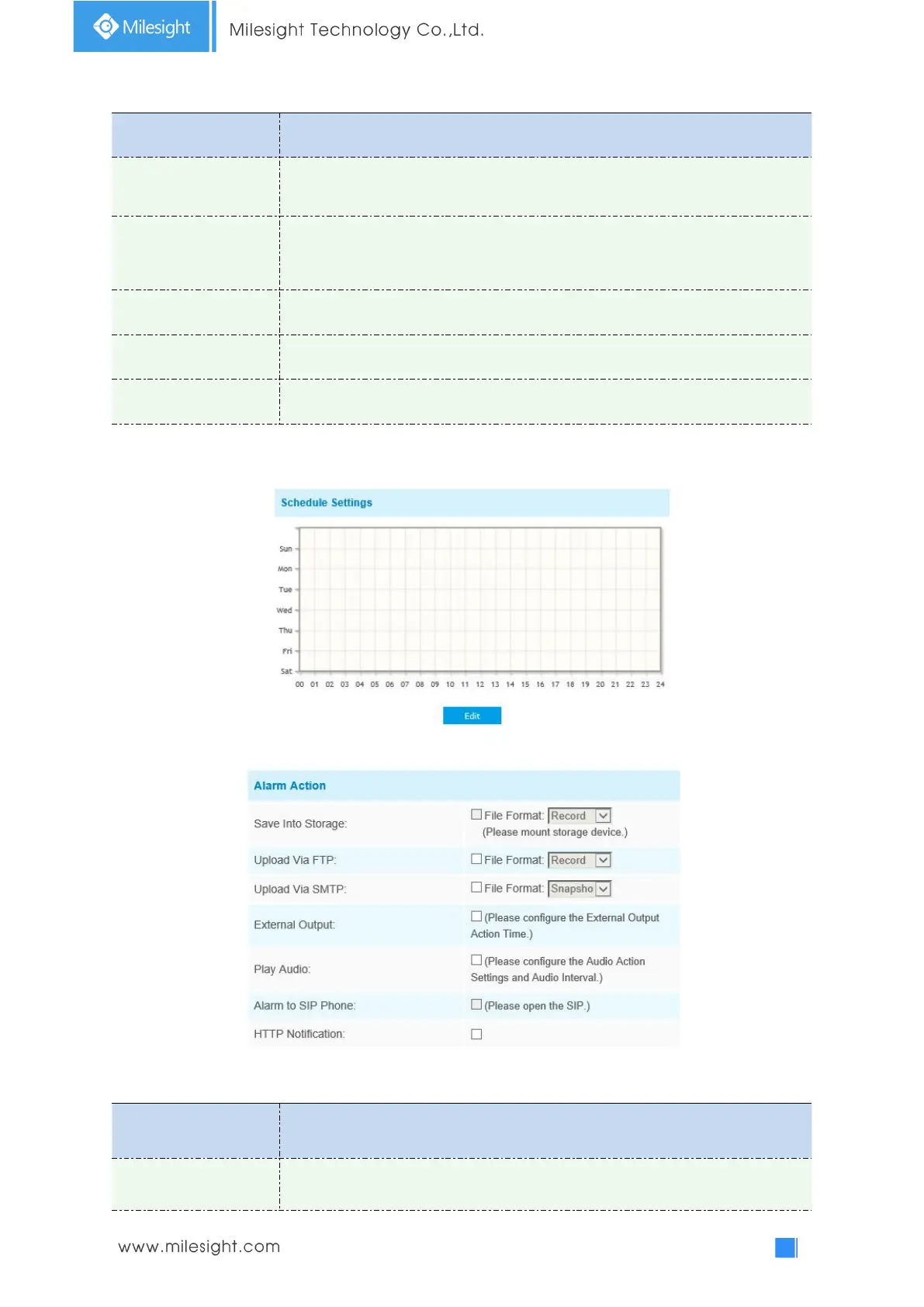
Step3: Set motion detection schedule;
Step4: Set alarm action;
Table 4-5-2 Description of the buttons
Save alarm recording files into SD Card or NAS


 To Next Page