Table 4-5-3 Description of the buttons
Six different periods are available(5, 10, 15, 20, 25, 30 sec)
Reserve the record time before alarm, 0~10 sec
The number of snapshot, 1~5
This cannot be edited unless you choose more than 1 to Snapshot
External Output Action
Time
Length of time an alarm lasts, this cannot be edited unless you enable the
External Output on the Alarm Action firstly.
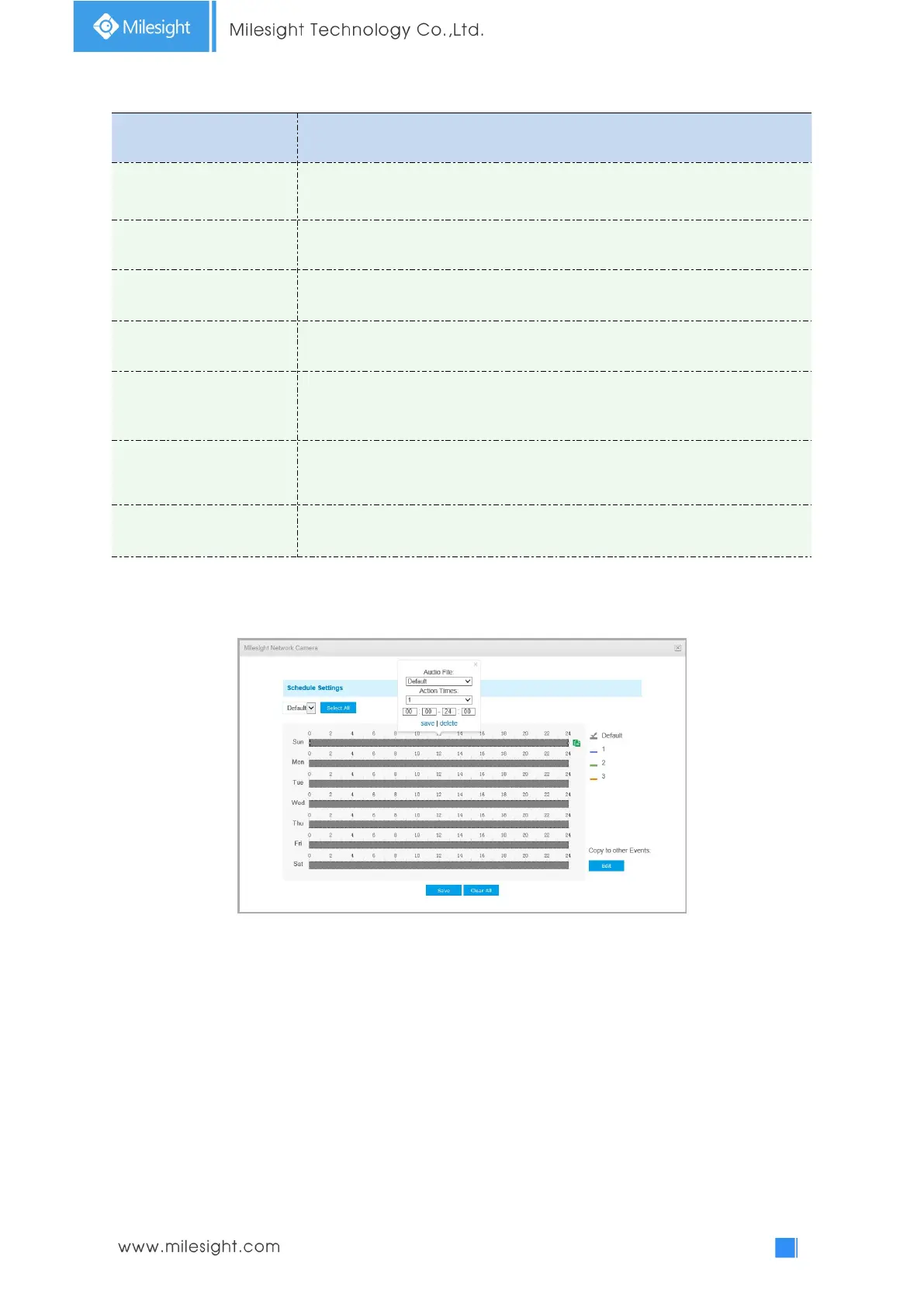
Set the audio schedule to trigger different audio files and action times in
different time, which is corresponded to alarm action.
Auto/ 10 seconds/ 30 seconds/ 1 minute/ 5 minutes/ 10 minutes are available.
Note:
You can customize the schedule of Audio Action.
Audio Alarm
Enable the Audio before using Audio Alarm function.


 To Next Page