9
millnorway.com
EN
any questions regarding the Mill app, connecting to WiFi or other relating
questions.
app when connecting your heaters. The heaters will connect directly to your router via
WiFi with 2,4 Ghz mode b/g/n. Bluetooth is needed for provisioning, so make sure its
enabled.Minimum OS requirement: iOS 8.0 and Android 5.0
Go to our help desk at www.millnorway.com for more information or if you have
ATTENTION! The heaters will be connected directly to your WiFi router and it
is therefore important to make sure the router has sufficient capacity for the
number of active devices connected at the same time.
Before use:
Be aware that the Mill app must be installed before you can connect your
heaters to your WiFi network. You can then simply follow the instructions given in the
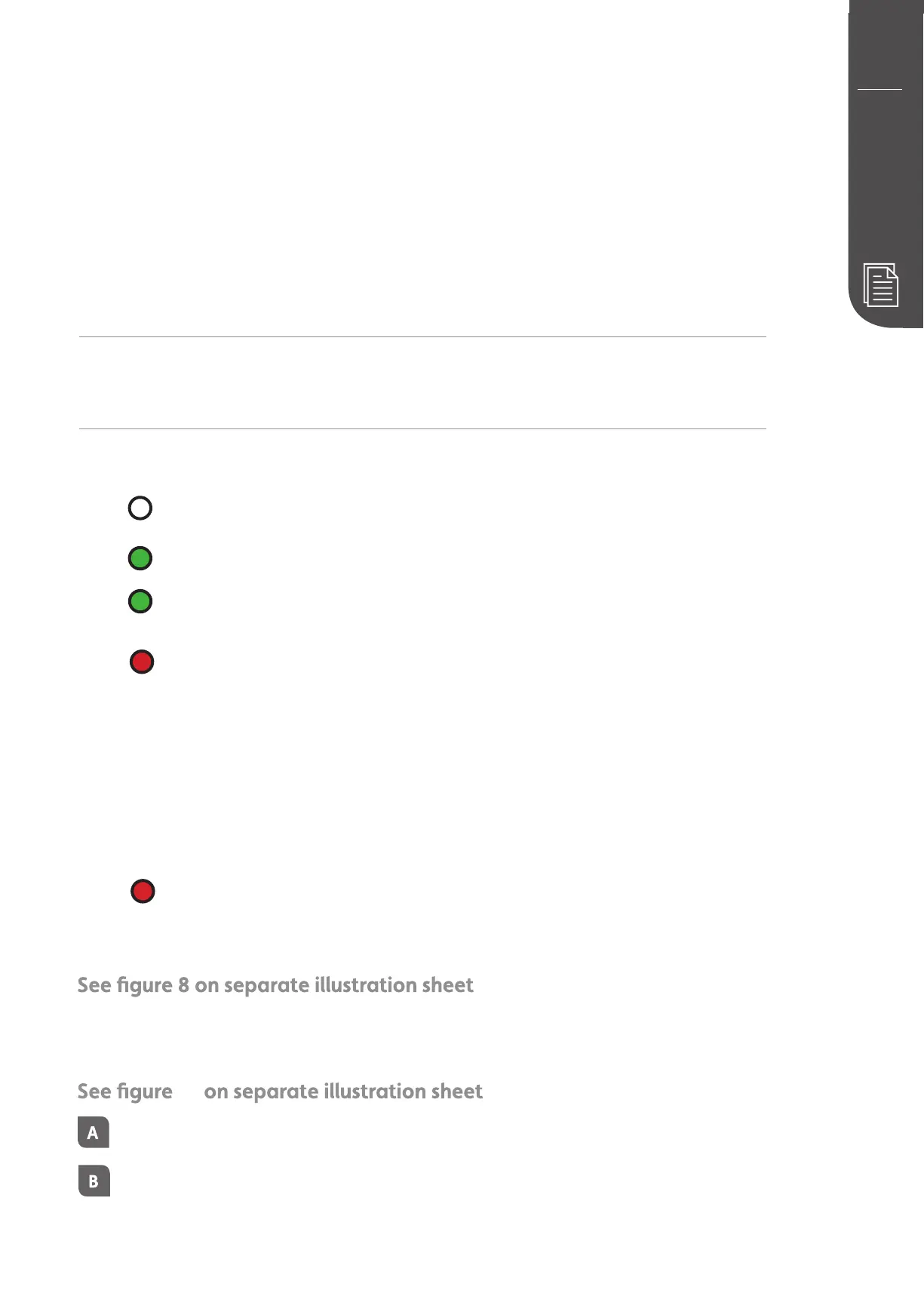
Color codes (WiFi control light)
The heater has not been connected to WiFi. The heater keeps an even
temperature throughout the whole day and night.
The heater is online in the Mill cloud
The heater has a problem connecting to or finding the WiFi si
the following:
1. Please turn the heater OFF and ON again
2. Please restart the WiFi router
3. Please check the WiFI router to make sure the capacity is sufficient for the
number of active devices connected at the same time
4. Please make sure 2,4 Ghz is activated. If the problem persists please get
in touch with support.
The heaters are offline and have no contact with the Mill cloud
Activating WiFi
Press «add heater» on the home screen in the Mill app. Follow the instructions in the app.
Delete WiFi setting
Press and hold WiFi button for 5 seconds.
When installing/connecting the Mill app and cloud, the light will flash
in various speed. This is normal.
9
For models PA500LWIFI3M, GL500LWIFI3M, PA900WIFI3MP, GL900WI-
FI3MP, PA1000WIFI3MP and GL1000WIFI3MP please follow the steps
below to delete WiFi settings:


 To Next Page
 Loading...