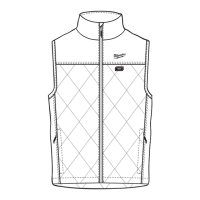
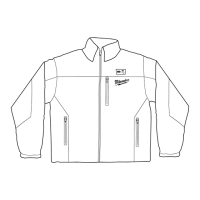
3
SPECIFICATIONS
Cat. No. ..................................................................
M12 HVM BLACK9, M12 HVM BLACK9W
M12 PP
Volts............................................................ 12V DC
Battery Type .................................................M12™
Charger Type................................................M12™
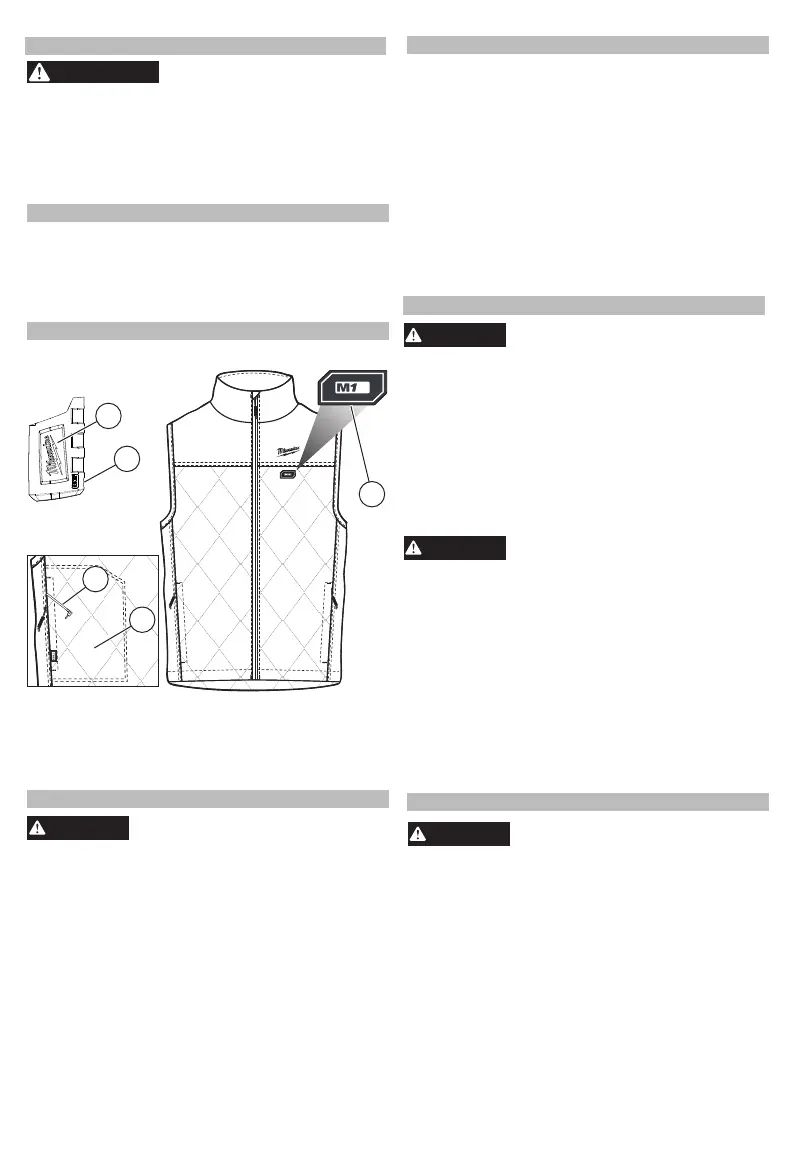
FUNCTIONAL DESCRIPTION
1. Power button
High: Red LED
Medium: White LED
Low: Blue LED
2
2
3
2. Battery holder
3. Power cable port
4. Power cable
5. Battery holder pocket
4
1
5
ASSEMBLY
WARNING
Recharge only with the charger
specied for the battery. For spe-
unplug the charger and remove the
battery pack and battery holder from the heated
vest before performing any maintenance. Never
disassemble the heated vest, battery pack or
charger. Contact a MILWAUKEE
®
service
facility for ALL repairs.
If the heated vest does not start or operate properly
with a fully charged battery pack, clean the contacts
on the battery pack. If the heated vest still does not
work properly, return the heated vest, charger
and battery pack, to a MILWAUKEE
®
service
facility for repairs.
WARNING
To reduce the risk of personal in-
jury and damage, disconnect and
remove battery pack and battery holder from
battery holder pocket before washing. Never im-
merse your battery holder, battery pack, or
charger in liquid or allow a liquid to ow inside
them.
To clean the heated vest:
1. Remove battery pack and battery holder.
2. Push the power cord completely into the battery
holder pocket and zip pocket closed.
3. Machine wash, Gentle Cycle in
warm water. Do
not use bleach. Do not dry clean. Do not wring or
twist.
4. Tumble Dry on Low Heat. Do not iron.
ACCESSORIES
WARNING
Use only recommended accesso
-
ries. Others may be hazardous.
For a complete listing of accessories, go online to
www.milwaukeetools.com.au/
www.milwaukeetools.co.nz or contact a distributor.
OPERATION
The power button is located on the upper left side
of the vest.
To turn on, press and hold the heated vest power
button (1 to 2 seconds). The vest will turn on to
HiHigh and the red LED will be illuminated.
Temperature setting can be adjusted at any time by
pressing the heated vest power button. Each press
will cycle through the heated vest’s temperature
sesettings.
To turn off the heated vest, press and hold the
heated vest power button until the LED turns off (1
to 2 seconds).
If the heated vest turns off unexpectedly, check con-
nections and charge the battery pack.
CARE
W ARNI NG
To reduce the risk of injury, always
cic charging instructions, read the operator’s
manual supplied with your charger and battery
.
Inserting/Removing the Battery
To insert the battery, slide the pack into the body
of the battery holder. Make sure it latches securely
into place.
Insert the power cable (from inside the battery holder
pocket) into the power cable port on the battery
holder. Place the battery holder into the pocket
and close pocket with zip.
To remove the battery, push in the release
buttons and pull the battery pack out of the holder.
ADDITIONAL BATTERY SAFETY RULE S
WAR
NIN G
T
personal
o reduce the risk of fire,
injury, and product
damage due to a short circuit, never immerse your tool,
battery pack or charger in fluid or allow a fluid to flow
inside them. Corrosive or conductive fluids, such as
seawater , certain industrial chemicals, and bleach or
bleach-containing products, etc., can cause a short
circuit.


 To Next Page
 Loading...